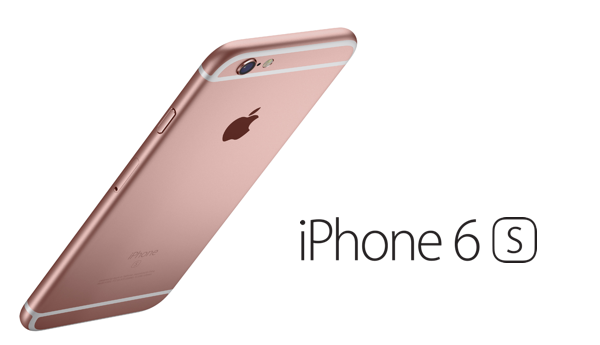
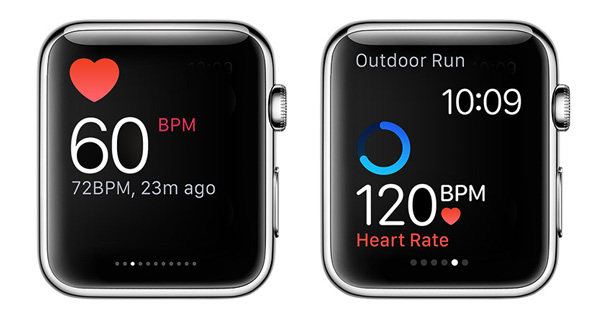
After releasing iOS 9.1 beta 2 to developers and iOS 9.0.1 final for all older iPhone, iPad and iPod touch models yesterday, today Apple has rolled out iOS 9.1 beta 2 to those registered on Public Beta Program and iOS 9.0.1 for iPhone 6s and iPhone 6s Plus.
After making multiple iPhone, iPad, Apple TV and iOS based announcements over the last two weeks, Apple has now officially announced an update to its collection of headphones that it became the proud parent of as part of the company's high-profile acquisition of Beats by Dre. The existing Solo2 Wireless, Tour2, and Powerbeats2 Wireless headphones are all included in the refresh, and will be offered as part of a new 'Active Collection' as being marketed by Apple.
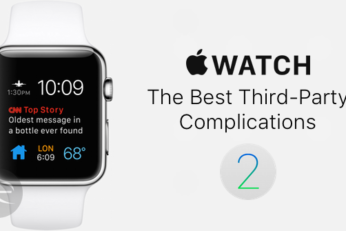
Here's a list of the top 25 best third-party Apple Watch complications that are supported to run on watchOS 2. With developers now rushing to get their Apple Watch apps updated to include a complication, we've been on the lookout for those which caught our eye and we've come up with quite a hefty list. Check it out here.
Here's a comprehensive list of 65 features or things that you can do in iOS 9 that you previously couldn't in iOS 8. The new OS may seem like a just another under-the-hood improvement to last year's iOS 8, but it has a ton of new offerings hidden deep inside.
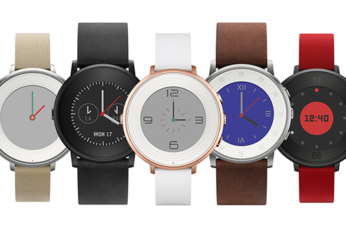
Seems like round smartwatches are now in trend. After the likes of Moto 360, LG G Watch R, Huawei Watch and the recently announced Samsung Gear S2, it made sense for a company like Pebble to come up with a round-shaped option. Hence introducing the Pebble Time Round - a circular smartwatch that looks more like an actual watch first, and a gadget second.
Here's how to add, set up and use third-party complications on Apple Watch running watchOS 2. In this guide we're going to take a quick step-by-step look at how to check if installed apps have complications available, how to add and remove them from the Apple Watch's Customize screen, and finally, how to actually get the complication up and running on the Apple Watch itself.
Apple has just released download links for iOS 9.1 beta 2 for supported iPhone, iPad and iPod touch devices. It's immediately evident from the release schedule that the Cupertino-based company is passionate and extremely keen to eradicate any bugs that have made it into the public domain with iOS 9.
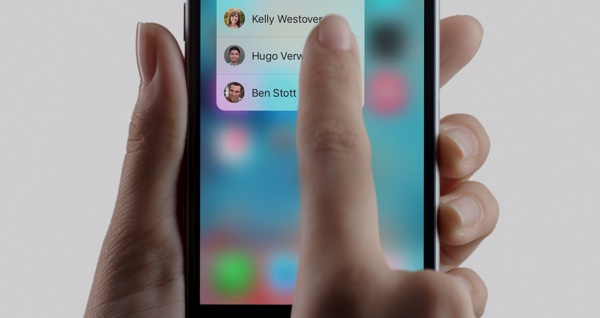
There is undeniably a lot of positives to take from the Apple's introduction of iOS 9. The plethora of new features and stability improvements alone make the latest and great version of iOS worth downloading and installing on all devices. Then there's the fact that we still have the iPhone 6s and iPhone 6s Plus to come with iOS 9 pre-installed which will serve up additional functionality, such as 3D Touch and Live Photos. There are plenty of reasons to want iOS 9, but, as it turns out, there's also one fairly large reason to not want iOS 9 on your iPhone or iPad - a serious security flaw that lets individuals bypass the device passcode.
We clearly live in an age where it's extremely difficult for any manufacturer to design and develop a new product without intricate details of said product getting into the public domain prior to its official unveiling. We already know that Google has scheduled a dedicated media event for September 29th, where it's expected to unveil a slew of new hardware. We probably already know a little more about those potential unveilings than Google would like. Now, thanks to leaked visuals of retail packaging, we have confirmation of the naming conventions of the two new smartphones expected to be announced at the event.
Multiplexer is a new Cydia tweak for the jailbroken iPhone and iPad that provides a comprehensive multitasking experience via a combination of customizable features.