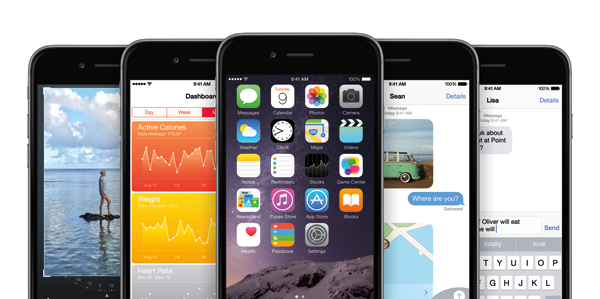
Apple has just released iOS 8.0.1 download links. Apple's recent iOS 8.0 roll-out passed without too much by way of negative feedback, but as should be expected of a fledgling piece of software, there have been one or two glitches. Notably, users have encountered issues with HealthKit, Wi-Fi, and that oh-so incessant battery drain snag that regularly seems to arrive on cue at about this time of the year, and with quite a few users having been afflicted, Apple has acted swiftly in releasing the remedial iOS 8.0.1 update. Details, as well as information on how you can pick up the latest software release for your iPhone, iPad or iPod touch, can be seen below.
Although one probably wouldn't go as far as to suggest that Apple's new iOS 8 software is strewn with bugs, it's certainly had its customary dose of teething issues, with a number of devices and apps affected by those early imperfections. Still, Apple has apparently been hard at work on iOS 8.0.1, and while a minor, bug-fixing update was always likely to follow the end user roll-out of iOS 8, we now have a few details on what exactly said update may contain. So if your iOS 8 experience has been a bit of a rocky ride thus far, there's a good chance that the antidote is on the way, and below, we've the full round-up.
Since iOS 8 first emerged last week, developers have been given a license to release their third-party keyboards for iPhone, iPad and iPod touch users. Although the stock offering has improved significantly, it's still not as flexible and customizable as some of those found over at the App Store, and as such, millions of downloads have already been made by those seeking replacements. But while we'd highly recommend the likes of SwiftKey and Fleksy for a pure typing experience, some devs have instead sought to add an element of fun to proceedings, and a new GIF-based keyboard does precisely that.
New iOS feature! Here's how you can use your iPad or iPod touch to make and receive cellular voice calls via iPhone running iOS 8.
Almost every major software release includes its fair share of bugs and teething issues, and if you've recently grabbed iOS 8 for your iPhone, iPad or iPod touch, then you're not alone if you've encountered some Wi-Fi-related troubles. In fact, in looking at the Apple Support community forums, it's clear that many, many early adopters have been afflicted by this and a number of other problems, and until Apple arrives with the necessary fixes by means of a potential software update, there are a few fixes and solutions doing the rounds. Details, as ever, can be seen after the fold.
Ready for your daily dose of freebies? If you’re a regular reader, you’ll know what I am talking about for sure. It’s time for our daily collection of best and premium iOS apps / games that have shed their price tags and are available for free. Our collection today includes five titles, with each one of them being worth a shot.
The iPhone 6 and 6 Plus are officially here, and to mark this occasion, we've yet another selection of paid apps gone free for iOS. There are five in total worth $9, so if you want to save yourself a few bucks and grab yourself some great apps in the process, then do join us after the break!
Battery retention is a crucially important factor in owning a mobile device, and although the capacity of a battery plays a significant role in determining how long your smartphone or tablet will be able to play games, surf the Web or make calls, it's not the only consideration that should be made. As well as the efficiency of the processor, software can also be optimized for better battery performance, and given that Apple has just bumped its software version from iOS 7.1.2, we'd expect that battery has also improved, right?
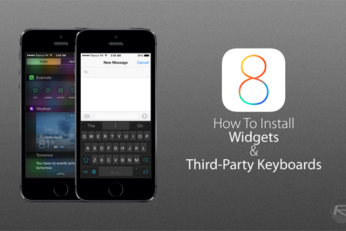
So, you've just installed iOS 8 and heard a lot about third-party widgets and keyboards. Given that both of these features are brand new and previously unheard of on Apple's mobile software, you may be unsure as to how you might go about installing these much talked-about new treasures, and so below, we've got a little guide that should help you along the way.
The Family Sharing feature, as the name implies, will allow families and groups of people to share apps without having to connect to the same Apple ID. Since the introduction of the App Store, folks have shared the same account in order to save on buying many of the exact same apps or content, but the system is flawed in that every user of said account then has a list of content that they don't want or need, and never actually downloaded in the first place. To resolve this, Family Sharing essentially binds a number of Apple IDs into one parent account, and provided that they all feed from the same credit or debit card, can readily go ahead and download apps and content purchased by other members of the same family.