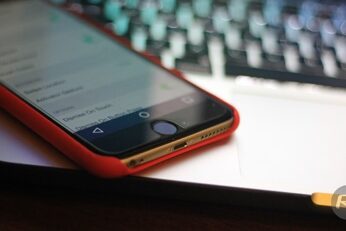
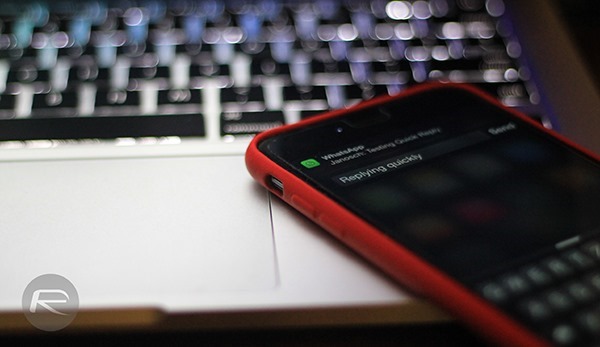
If you want to add Android Lollipop like on-screen navigation controls on your iPhone, there's a pretty easy way to do just that. More details can be found after the jump.
Here’s a step-by-step guide how you can remotely control iPhone, iPad from your PC / Mac. Complete instructions, including video tutorial, can be found after the jump.
Google's Android Lollipop release is without a shadow of a doubt the company's most polished version of Android to date. Having spent years being arguably the most customizable mobile operating system on the planet, Android has finally come of age and received the spit and polish that many have suggested was beyond Google's engineers. In fact, parts of the new Material Design are so good that even those carrying iPhones and iPads are jealous.
Apple has made a concerned effort to try and improve most parts of its iOS platform in recent years. The release of iOS 8 represented a significant technological advancement for the platform, and although some may disagree due to the amount of bugs still present, it actually feels like the best version of the iPhone and iPad OS to date. One area that Apple has concentrated on, albeit extremely silently, is the native Phone app. With that in mind, if the Phone app doesn't live up to your requirements, or you're looking for something a little additional and you happen to be jailbroken, then the Area Code Display Pro package could potentially be the solution you've been seeking.
We recently caught a glimpse of iMods, a purported alternative option to the long-standing Cydia jailbreak portal, and now, a similarly-inclined tool has emerged from the ether. While not strictly a competitor to the famed Cydia, it touts itself as a package management app, and is designed to make it easier for users to update, install and generally keep track of their tweaks.
Smartphones have evolved dramatically over the last five years to become a necessity in our day-to-day existence, but what happens if you're the forgetful type who happens to misplace belongings quite a lot? An iPhone is just another piece of mobile equipment, therefore making it small enough to be misplaced with relative ease. Thankfully, if this has ever happened to you there is now a solution in the form of a new jailbreak tweak called Clap.
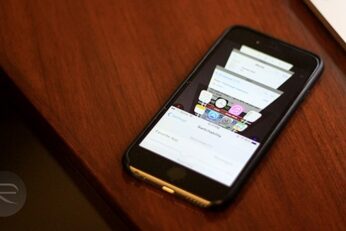
One of the bigger quirks of iOS 8 running on iPhone 6 and iPhone 6 Plus is the Reachability feature in these devices, which essentially allows for a convenient one-handed operation despite the large display size of both these phones. In reality, Apple's implementation of one-handed UI for iOS 8 is better than what any other manufacturer has been able to achieve. Still, when you look at Reachability, it's evident that there's so much more that can be done with this feature, especially if it’s opened up to developers. Well, that's what we have jailbreaking for, and thanks to a new tweak released just recently in Cydia, your Reachability space becomes a new multi-tasking interface, providing a mix of the app switcher and Safari's 3D tabs.
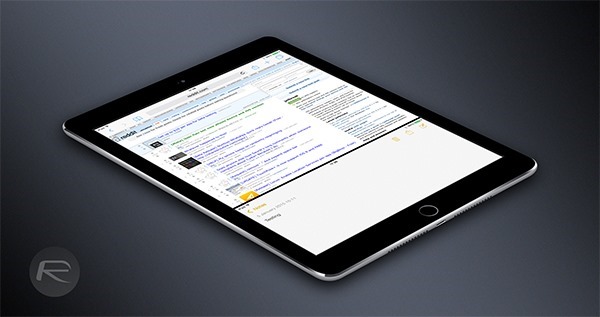
ReachApp, now in beta and available to download via Cydia, is a split-screen multitasking tweak that we’ve had our eyes on for a little while and we’re pleased to see it come to fruition.