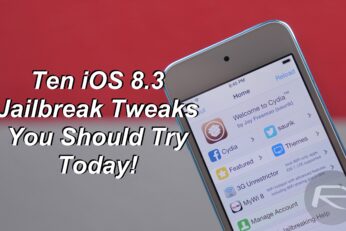
With the new TaiG iOS 8.3 jailbreak now being stable, Cydia tweaks are continuously being updated to support iOS 8.3. In this video I will show you some of my personal favorite tweaks that you should definitely check out if you are new to the jailbreak scene and have just jailbroken your iPhone, iPad or iPod touch on iOS 8.3.
Final version of iOS 8.4 download officially gets release date and time. For worldwide release time and date info in your region, check out the chart here.
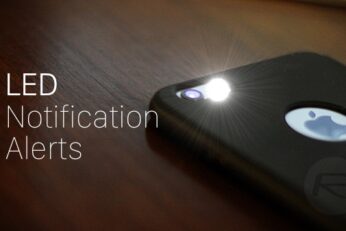
Here's how to turn on LED Flash for Alerts on iPhone for incoming notifications. Enabling it takes just a few taps and once you have, all incoming alerts will be met with a flashing LED on the back of your iPhone. If you leave your iPhone face-down on a table, the flashing LED will certainly catch your attention and it will continue to flash whether your iPhone is in silent mode or not.
Thinking about throwing yourself back on that couch this weekend and hunting for some quality iOS apps on the App Store? As always, we have your weekend dose of paid apps gone free covered right here.
The much-awaited iOS 8.3 jailbreak is well and truly here. After a few updates and fixes by TaiG, the latest release is much more stable now than it was when initially released, with users the world over jailbreaking to see what the fuss is about, while others doing it because they know what the advantage is of having a liberated iPhone or iPad. Now the big question we're asking today is: did you jailbreak your iPhone or iPad on iOS 8.3 with TaiG?
Here are 7 reasons why now is the perfect time to update to iOS 8.3 and jailbreak using TaiG. If you are confused about taking the plunge, the following reasons should help you make the right decision.
With iOS 8, Apple, for the first time, allowed third-party keyboards on its platform that worked system-wide, not just within specific apps. In the new days of this freedom, we saw almost all major players from the Android ecosystem pop up on the iTunes App Store as well, and then (naturally) the trend dwindled down. Today, however, we see somewhat of a revival, with Disney releasing its 'Disney Gif' custom keyboard for iPhone and iPad, which allows sharing of Disney and Pixar themed GIFs directly from the keyboard into the app of your choice.