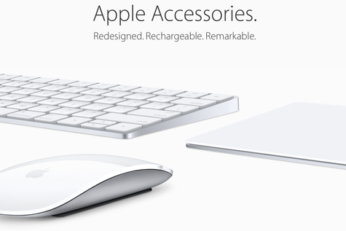
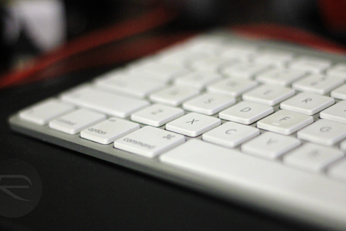
Here's our detailed video review of Apple Magic Trackpad 2, Magic Keyboard and Magic Mouse 2 accessories for the Mac. Are they worth getting? Find out in our video review.
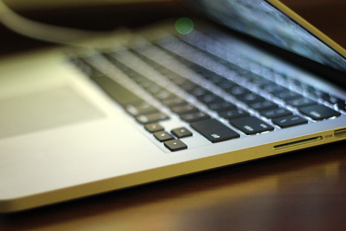
If you own a MacBook or MacBook Pro with Retina display and have noticed that the anti-reflective coating on its screen is proving troublesome, then you may be able to get that sorted out for free after Apple issued an internal notice on the subject. Some owners of certain models of Apple's notebook computers have reported problems such as coatings peeling or simply coming away from the screen completely.
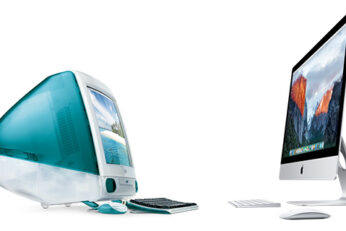
Apple is keen to show the world how improved its new 2015 iMacs are, and what better way to do that than to compare them with the very first iMac ever announced in 1998.
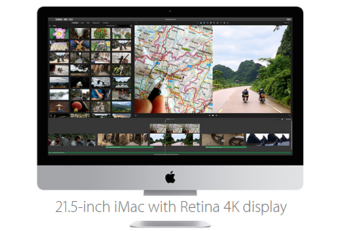
After a number of weeks of speculation it seems that Apple's 21.5-inch iMac with 4K display is a reality. It may not have the large screen presence of its 27-inch counterpart within the iMac range, but the smaller version of Apple's desktop machine has just undergone a refresh, bringing with it a hugely impressive 4K display, as well as significantly improved specifications under-the-hood. There has been no dedicated media event for the announcement, just a silent refresh that should appeal to those who wanted a little more out of the machine.
Apple today has announced new accessories for Mac. Magic Trackpad 2, Magic Mouse 2 and Magic Keyboard are all official now. Here's everything you need to know.
Apple's latest OS X El Capitan 10.11.1 beta 3, which was seeded to registered developers just yesterday, contains a number of references throughout which indicate the existence of a range of new accessories for Apple's Mac range of computers. The discovered references are pointing towards a Magic Keyboard, a Magic Mouse 2, and Magic Trackpad 2. These may well be the clearest indication yet that Apple could be planning on introducing some improved peripherals alongside the next Mac refresh.
Sometimes you wait for a very long time for a software update and then two come along in quick succession. That's what it must feel like to Tweetbot users, because after Tapbots released a new version of its popular iOS Twitter client last week, today the company also saw the Mac client by the same name receive a similar update. Both apps had not seen any significant changes or updates in quite some time, making both new versions highly anticipated indeed.