Apple's OS X El Capitan is finally here and Mac owners are installing the software in droves. As you might expect from a new platform that's offered entirely free-of-charge, it's already managed to cement its place at the top of the free download charts within the Mac App Store. Those who are installing it are also going through the process of learning exactly what's new and coming across some interesting findings as part of that journey. One such finding relates to how El Capitan handles the installation of Windows through the Boot Camp Assistant.
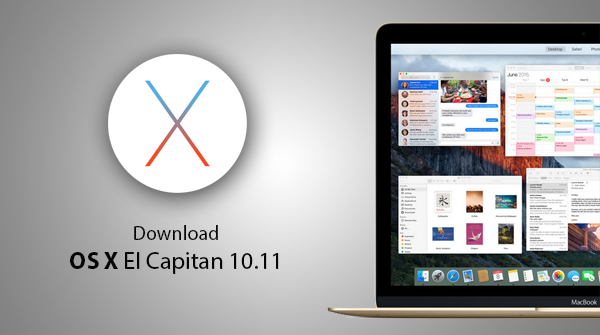
Looking to do a clean install of OS X El Capitan 10.11 on your Mac? Here's a step-by-step guide on how to do that. As you know by now, the final build is now available to download free-of-charge from the Mac App Store for an impressive range of compatible Mac hardware. We're going to take a look at how to install a fresh copy of El Capitan on one of those supported Macs via a bootable USB flash drive.
Here's a step by step guide on how to make a bootable USB flash drive for OS X El Capitan. If you are planning to clean install Apple's latest desktop OS, this is what you'll need to do it.
It's that time of the year again. Apple will release final version of OS X El Capitan for download to all the Mac users tomorrow free of charge from the Mac App Store.
Apple's developer beta program is pretty robust, and during their beta lifecycle, Apple's products (software) see regular updates as they move towards their final versions. Just like how Apple released iOS 9.1 beta 1 ahead of public release of iOS 9.0, today Apple has seeded El Capitan 10.11.1 beta 1 ahead of OS X El Capitan 10.11 public release which is scheduled for September 30th. OS X El Capitan 10.11 is currently at GM candidate, ready for its official release in a couple of weeks time.
The wait is almost over. Apple has confirmed the public release date for OS X 10.11 El Capitan for Macs. Apple's next major OS X update, dubbed El Capitan, promises a number of under-the-hood improvements alongside some really useful new features.
Apple announcement days don't get much more busy than today, with new iPhones, new iPads, a big new Apple TV refresh and even some Apple Watch love seeing today's media event turn out to be one of Apple's most prolific yet.
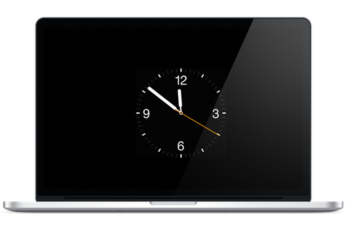
A number of people are still not behind the concept of smartwatches. Some, on the other hand, love them. No matter which side you belong to, it's hard to argue that the default watch face on the Apple Watch is elegant and beautiful. Just looking at it speaks class, and if you're really into it, you can get the same watch face on your Mac as well as a screen saver.
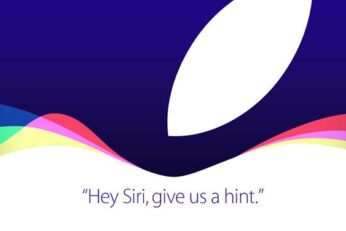
Here is what to expect from Apple's iPhone 6s event on September 9. With Apple having announced the date and venue for its next mega event, expectations now are on an all time high. All eyes are on the Cupertino giant as it prepares to launch its 2015 flagship smartphones, along with new iPads, new Apple TV and some accessories for Apple Watch.