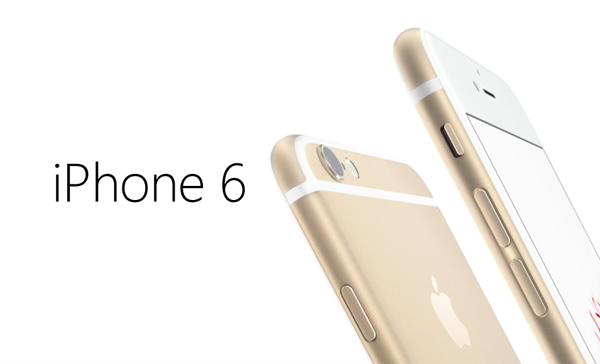
Apple’s new iPhone 6 and iPhone 6 Plus are barely out, and akin to the famous Antennagate that plagued the iPhone 4 when it was revealed, these two have sprouted a new debate over the “Bendgate” fiasco as it is being called. In case you’ve been living under a rock for the last few days, Bendgate essentially refers to the iPhone 6 Plus getting bent under pressure, or, in some cases, just by being kept in the pocket for extended periods of time.
iOS 8 opened up the iPhone camera API to developers, allowing them to take full advantage of all of the power hidden inside the very capable shooter. Even though the native iOS Camera app is pretty barebones, the new APIs have allowed third-party app makers to get creative with the iPhone camera. So far, a few apps have sprung forth that claim to give you a higher degree of manual control over the iPhone camera, but none have been able to impress so far. Either they were plagued by inconvenient controls, smallish sliders, or an incomplete feature set. Enter Camera+, with its version 6 update that has just been released to the iTunes App Store. The famous camera replacement app has just received a massive makeover, going full manual, and we’ll tell you what the fuss is all about right after the break.
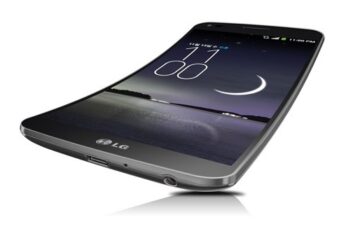
Unless you've been stuck under a rock for the past couple of days, you'll surely have caught the Bendgate coverage, in which it was claimed that Apple's new iPhones, particularly the iPhone 6 Plus, was susceptible to losing its shape. Given that it's largely comprised of aluminum, a soft, malleable metal, it was never going to be as robust as a handset laden in stainless steel, but while it did seem like the whole fiasco was merely a small number of incidents that had been blown way out of proportion, Apple has stepped out and confirmed that to date, only nine complaints have been registered.
The so-called Bendgate saga has been at the forefront of tech coverage over the past couple of days, with the Web having been taken over by what appears to be just a couple of isolated incidents of accidental bending blown out of proportion. But while only a handful of iPhone 6 Plus models have reportedly become misshapen by accident, one Apple representative has indicated that a device may be covered under the standard warranty, provided that it can pass what's known as a "visual mechanical inspection."
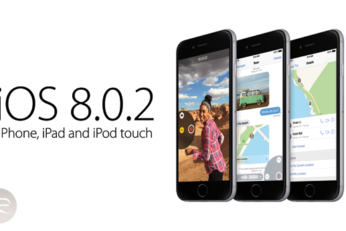
Yesterday, Apple rolled out its very first mobile software update since iOS 8 first appeared a couple of weeks back. Therein, we were told, lied a number of fixes to early issues that had plagued some users, but unfortunately, iOS 8.0.1 did more harm than good. Many iPhone 6 and 6 Plus owners were left with no cellular service whatsoever as well as a non-functioning Touch ID fingerprint sensor, and given the critical nature of these two features, Apple quickly decided to pull the update altogether. We already showed you how you could downgrade your firmware back to iOS 8.0 to regain service and use of Touch ID, and since, Apple has also advised users to do likewise.
Apple's new iOS 8 software is literally rammed with features and perks, but actually finding them all and learning how to use them once you've located them can be quite a trying task. To ease the burden, we've been running you guys through a series of tutorials and tips, helping you make the very most out of your new device and / or software, and with the Health app having been a major talking point in the months leading up to iOS 8's showcasing at the Worldwide Developers' Conference back in June, we're going to show you how to set up your emergency Medical ID right now.
The iOS 8.0.1 update was released a while ago, and though it fixes a lot of lingering bugs, but the update is a nightmare for users who are in the ownership of an iPhone 6 or iPhone 6 Plus, as it breaks cellular network capabilities of the devices along with Touch ID. But luckily, there’s a fix for those who have updated to iOS 8.0.1 and are left with a $650+ paperweight.
The iPhone 6 and iPhone 6 Plus are the two hottest topics in the mobile industry right now, and although the only legit way to determine a device's real-world performance is to use it for a sustained amount of time, we as geeks cannot resist a little benchmark test or two. Today, an interesting new set of benchmarks have hit the blogosphere pitting the two new iPhones against one another, as well as drawing comparisons with previous iPhones, and for a sense of perspective, the stats also include some benchmark results gathered of current, rivaling high-end smartphones.