Apple has left Samsung behind, as it claims the position of the top mobile brand in China, in both awareness and loyalty. One of the largest smartphone consumer market in the world, China has conveyed its dismay with Samsung, given the Apple choice.
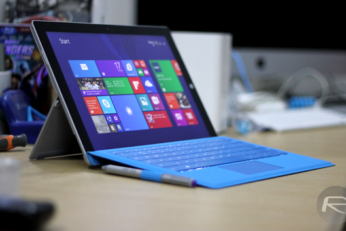
You know what they say about the best laid plans, right? Microsoft's PR wing will be licking its wounds after what appeared to be quite a handy piece of product placement went a tad awry.
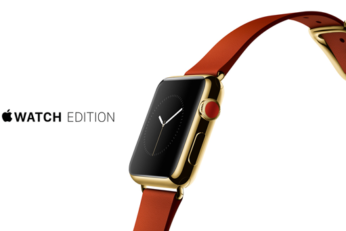
Now that the new iPhones and iPads have been released, consumer excitement and anticipation has moved towards the fabled Apple Watch - the device which, according to Jony Ive, took three years to create.
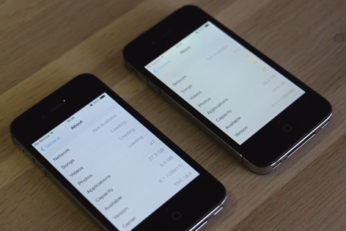
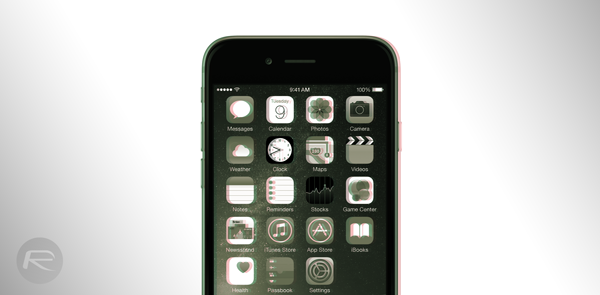
Major new releases of iOS tend to bring with them plenty of complaints of poor performance on older devices, and iOS 8 was no different with regard to how it ran on the iPhone 4s and iPad 2. Neither hardware is getting any younger, and with limited hardware at their disposal both the iPad 2 and iPhone 4s have been found dwindling in the old speed stakes.
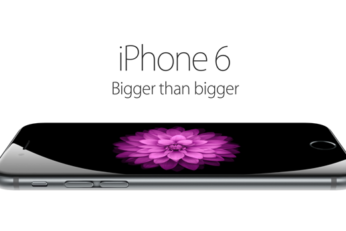
The holiday season is pretty much around the corner, and as the trend goes every year, it's to be expected that we'll see a number of retailers offer a wide variety of sales and discounts on a number of items. Being a tech outlet, we have a vested interest in all things technology and gadgetry, so when we heard of a leaked flyer from Sam's Club that supposedly indicates that the wholesaler will slash the price of the new iPhone 6 by $100 starting November 15, we got excited, and we decided to share the news with you. Yup, on November 15, starting 7am local time, you can get your hands on a brand new iPhone 6 with two-year contract for just $99 for the 16GB variant!
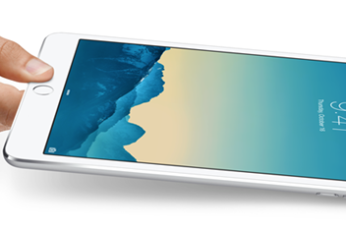
The Apple rumor mill is churning again, and this time it's the iPad mini which finds itself caught in the controversy. Reports are coming in that Apple may be looking to ditch the iPad mini lineup of devices in favor of the upcoming larger-screened iPad Pro.
Aaron Sorkin's Steve Jobs biopic is having something of a hard time of it of late. First, apparently after plenty of negotiations, Leonardo DiCaprio decided that the role of Steve Jobs wasn't for him which opened the door for British actor and Batman himself Christian Bale. Now it's looking increasingly like Sorkin will once again have to be on the lookout for a new Jobs after Bale reportedly decided that he too won't be playing the iconic Apple co-founder.
Using a traditional, metallic key in this day and age is not the done thing, particularly when you're staying at one of the finest hotel chains in the business. But while swipe cards and NFC fobs have been a part of the hotel scene for a long time now, Starwood Hotels is just introducing a system that allows iPhone and Apple Watch owners to securely enter and exit their rooms via Bluetooth LE.
Apple Pay may only have launched a couple of weeks ago alongside iOS 8.1, but already, a number of big-name retailers and banks have jumped on the bandwagon and offered support. Today, several other financial institutions appear to have finally gotten their houses in order, adding to an already impressive array of banks now compliant with Apple's NFC-powered contactless infrastructure.
We still don't know the exact date when Apple will bring its Apple Watch to the masses, but as its designer Jony Ive goes on tour around the globe we're starting to hear more and more information about both the design process involved in making the Apple Watch a reality and the features that it will posses.