UPDATE: TaiG 2.1.3 iOS 8.3, iOS 8.2 and iOS 8.1.3 jailbreak is now out for iPhone 6 Plus, iPhone 6, 5s, 5c, 5, 4s, iPads and iPod touch. You can download it from here. It is currently available for Windows only.
This guide will help you jailbreak iOS 8.4 using TaiG jailbreak tool on Mac OS X. As you might already know, the TaiG tool is not available for OS X yet. The team behind the newly released jailbreak tool are catering to Windows users only - for now. But there's a way around it by means of virtualizing Windows 10 Insider Preview on your Mac, and the process is quite simple and straightforward.
The TaiG iOS 8.4 jailbreak version 2.2.0 is now available to download. The Chinese TaiG team has just updated their now famous jailbreak tool with full support for jailbreaking iOS 8.4 running on iPhone, iPad and iPod touch. Like previous releases of TaiG, this tool is currently available for Windows only.
PP Jailbreak for iOS 8.4 is now available to download, only an hour after Apple released iOS 8.4 with Apple Music for compatible iPhone, iPad and iPod touch devices.
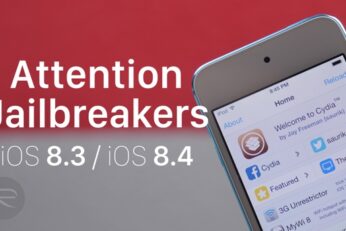
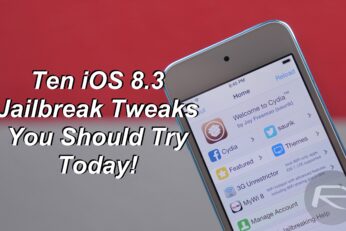
With the new TaiG iOS 8.3 jailbreak now being stable, Cydia tweaks are continuously being updated to support iOS 8.3. In this video I will show you some of my personal favorite tweaks that you should definitely check out if you are new to the jailbreak scene and have just jailbroken your iPhone, iPad or iPod touch on iOS 8.3.