
OpenAI has announced a new plugin that will allow its ChatGPT chatbot to read iMessages when installed on a Mac. It can also search messages, analyze your conversations, and draft (and send) messages for you.
The new Apple Messages plugin can be installed from within the ChatGPT Plugins section of the ChatGPT interface. In a post on the X social network, OpenAI suggested that ChatGPT users try three specific prompts to get a feel for what can be done with the new plugin.
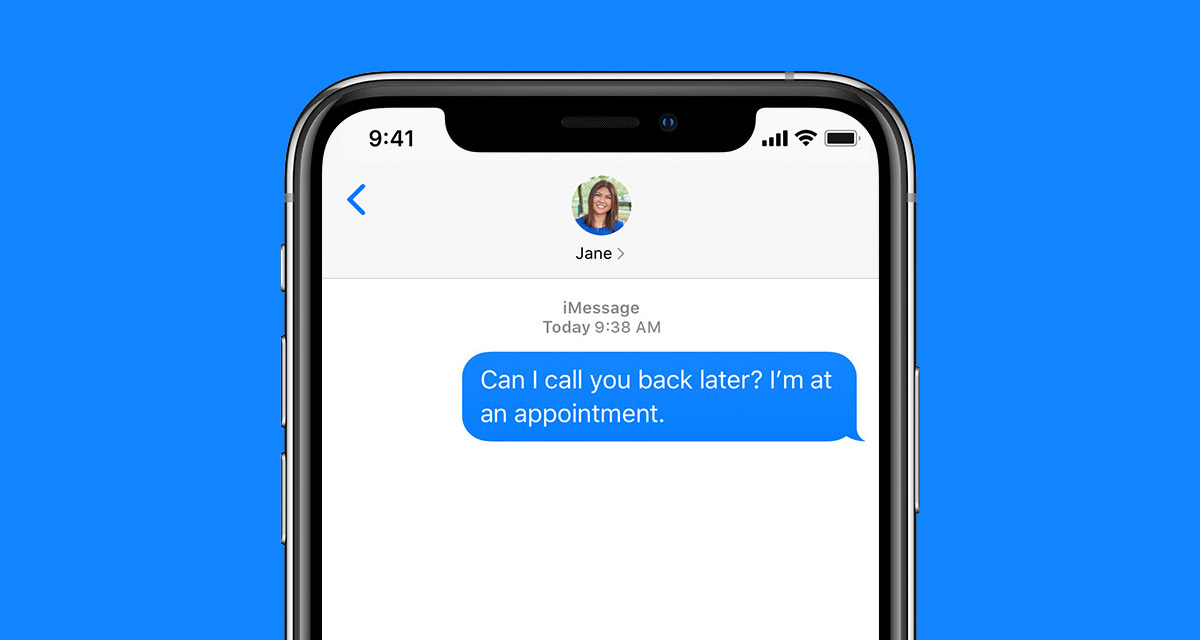
- Check my calendar and reply to [name] with a few times I’m free for dinner next week
- Suggest follow ups from yesterday in messages
- Find birthdays in @ messages and add them to my calendar – Find potential spam messages I can delete
The new plugin will work with iMessages, text messages, and RCS messages — anything that works within the Messages app is fair game. However, you’ll need to approve ChatGPT’s access to your messages initially.
ChatGPT will also need to be granted Full Disk Access in the Mac’s System Settings app, too.
Notably, this feature is not available in regular ChatGPT chats. Instead, it’s only available to users of ChatGPT Work and Codex. It’s also only available to users of Apple silicon Macs.
You may also like to check out:
- iOS 27 Beta 5 Download And Expected Release Date
- Download: iOS 27 Beta 6 IPSW Links, OTA Update, And More Released
- iOS 27 Beta 1 OTA Profile Update Download: Here’s How To Install It
- Jailbreak iOS 26.6: Everything You Need To Know
- Download: iOS 26.6.1 Final IPSW Links, OTA Update, And More Released
You can follow us on X, or Instagram, subscribe to our YouTube channel and even like our Facebook page to keep yourself updated on all the latest from Microsoft, Google, Apple, and the Web.
