Apple's decision to launch a 4.7-inch and 5.5-inch iPhone may have ruffled a few feathers and divided opinion right down the middle, but there's one thing that's for sure; the jumbo-sized iPhone 6 Plus will definitely appeal to those who love to create, edit and consume media on the move. The 5.5-inch Retina HD display of the iPhone 6 Plus makes watching high-definition videos, swiping through photograph galleries and just generally interacting with any visual content an absolute pleasure. For those individuals who love creating and sharing moving masterpieces, Adobe has just launched its Premiere Clip application for iPhone & iPad, designed and developed to make editing videos a much simpler and more enjoyable task.
If you're lamenting the loss of Launcher on iOS 8 following Apple's rather disappointing decision to pull it from the App Store, then Quick-Tap widget could be right up your street.
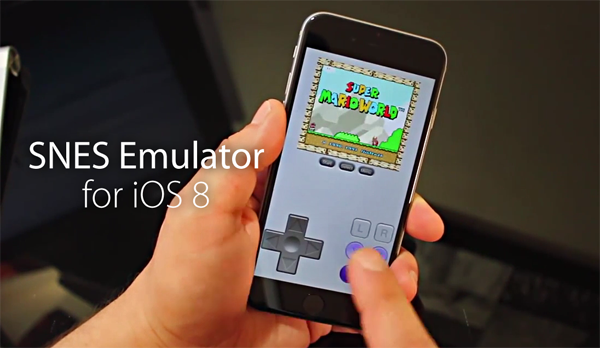
Earlier on the week, Popcorn Time, the so-called "Netflix of Torrents," finally made its way to iOS, although given Apple's rules on what can and what cannot pass through the App Store's moderation process, its developers could only target the jailbreak community. Many iOS 7 users have held back on updating to iOS 8 in a move to preserve their jailbreaks, and so could take advantage of Popcorn Time's introduction, but for the majority now running on the all-new iOS 8, the haven of free movies is out of bounds. There are, however, alternatives out there, and the one we're featuring here today has the advantage of not requiring a jailbreak, so if you're running stock software, this one may be for you.
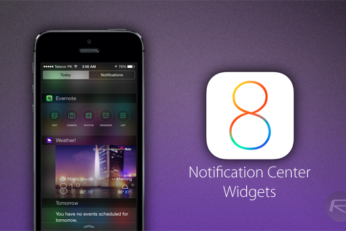
The introduction of Notification Center widgets with iOS 8 has brought a whole new dynamic to Apple's mobile platform, and of all the areas of the ecosystem that have been opened up to third parties with the latest software updates, Notification Center widgets appear to be thriving the most during these early stages. We've already seen dozens of great widgets as developers seek to take advantage of what is a brand new category, and here, we feature one of our favorite widgets to have landed so far.
Here are the top 10 best Notification Center widgets for iOS 8 which you should download and install on iPhone right away.
Posting an update to any social network - or sending out a plain old IM - without an emoji is considered a minor sin these days. And while iOS does feature a brilliant built-in emoji keyboard to get things done, but Apple’s implementation does lack a few things which this new third-party iOS 8 keyboard swiftly fulfills.
Apple's introduction of third-party keyboards with iOS 8 has been a real win for productivity and general functionality. Users can now call upon the powers of Fleksy, SwiftKey and Swype when typing emails, messages and creating documents, and in turn, get the job done considerably more quickly. The opening up of the keyboard aspect has also brought a new wave of fun typing experiences, with the likes of the Riffsy GIF Keyboard bringing those much-loved memes to iOS, but before Riffsy even hit the App Store last week, PopKey sold the idea to us with its equally entertaining effort. At the time, it wasn't ready for end user consumption, but now, PopKey is ready for prime time, and below, you'll find both details and download link.
Tweetbot is among the most popular third-party Twitter clients for iPhone, and in line with Apple's introduction of two new iPhones as well as the iOS 8 software, has just been updated with a host of new and exciting features.
Some ten days after the official roll-out of the iPhone 6 and iPhone 6 Plus, the official Facebook Messenger app has just been updated in compliance with both new handsets. The changelog doesn't list anything else by way of changes, but given that app developers often squeeze in a couple of gratuitous bug fixes and performance enhancements without explicitly mentioning them, this is an update recommended for all using Facebook Messenger for iOS.
iOS 8 has brought a considerable amount to the table in terms of features, many of which are specific to the iPhone 6 and iPhone 6 Plus. With larger displays, there's definitely something of a learning curve involved for those long-time iPhone users accustomed to much less real estate, and so to make it easier for smaller fingers and thumbs to reach all of the UI elements, Apple introduced a neat feature called Reachability. As suggested by the name, the implementation enables iOS 8 users on iPhone 6 or 6 Plus to reach the upper tiers of the interface with two light taps of the Touch ID fingerprint sensor, which pushes the entire UI downwards, and although your iOS 7-running device mightn't necessitate such a feature, the jailbreak community has nonetheless obliged.