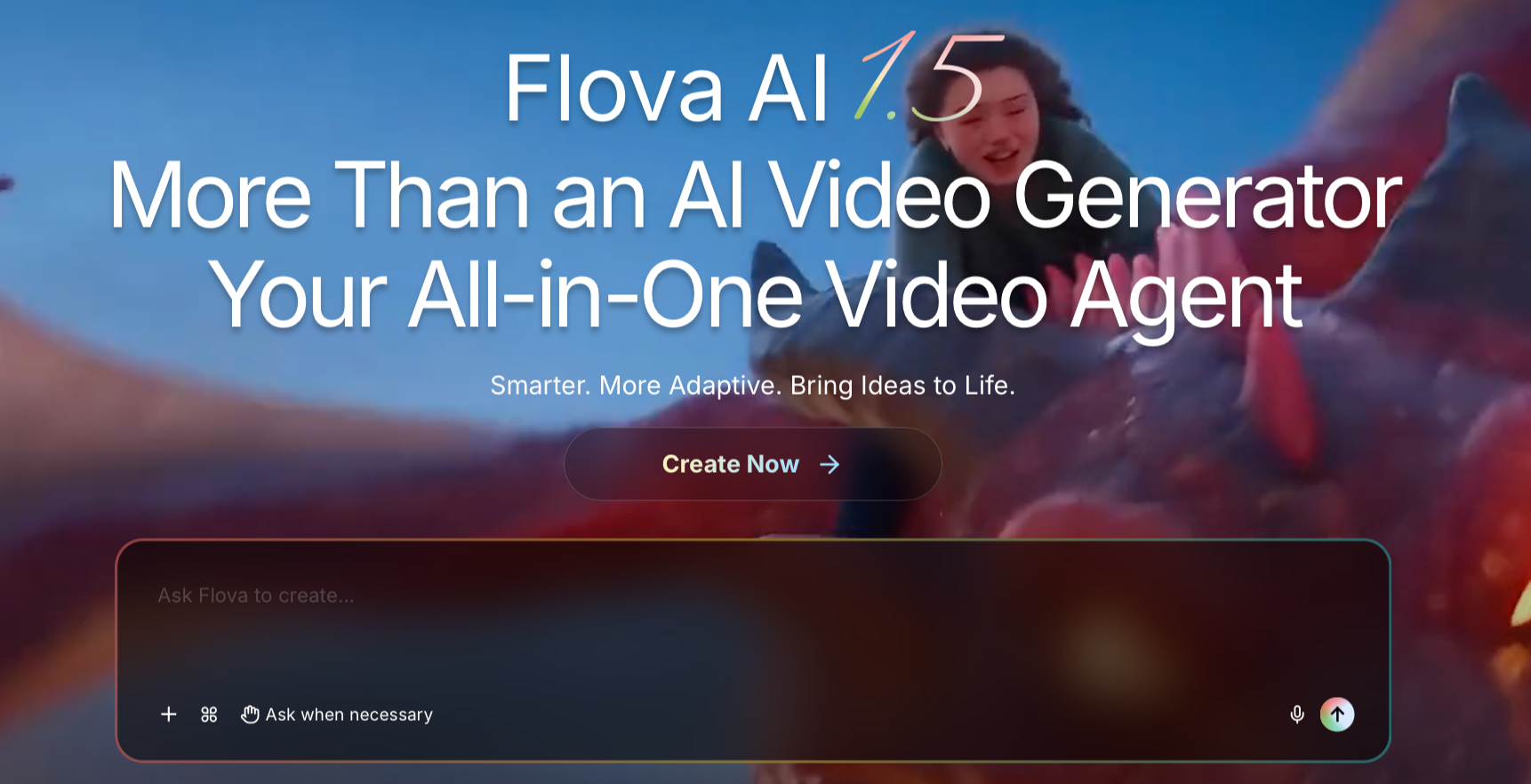
Creating professional-looking videos with AI is becoming easier, but managing scripts, storyboards, visuals, audio, and editing across different tools can still be time-consuming. Flova aims to simplify that process with an AI-native video creation platform that brings the entire workflow together in one place.
Flova uses an AI agent that can turn everyday text instructions, scripts, images, videos, audio files, and documents into a structured video production project. Rather than simply generating individual clips, the platform helps plan the production, create media assets, organize shots, and assemble a finished timeline.
Flova Agent Handles the Video Creation Workflow
At the center of the platform is Flova Agent, an AI assistant that helps users move from an initial idea to a finished video. It can assist with scriptwriting, shot planning, storyboards, asset generation, and timeline assembly.
Users can interact with the Agent through separate conversations within the same project. This makes it easier to manage different episodes, creative ideas, production tasks, and revisions without mixing everything into one conversation.
Another useful feature is Flova Skills. These are reusable creative workflows that instruct the AI agent how to approach particular tasks. For example, users can create Skills for designing product shots, maintaining character consistency, or controlling the pacing of a scene.
Users can also access an existing Flova Skill and its community, combine multiple Skills, or create their own methods to reuse across future projects.
From Scripts to Storyboards and AI-Generated Assets
Flova goes beyond converting scripts into basic shot lists. Its AI agent considers character backgrounds, relationships, and visual references when planning scenes.
It can turn descriptions in a script into specific actions, props, settings, and camera shots. These ideas are then organized into a storyboard, allowing users to review the overall flow and make adjustments before generating the actual media.
The platform supports generating images, videos, music, and voiceovers. Users can also upload reference materials to guide character appearances, product designs, locations, visual styles, and musical direction.
Organize Assets and Edit Multiple Video Versions
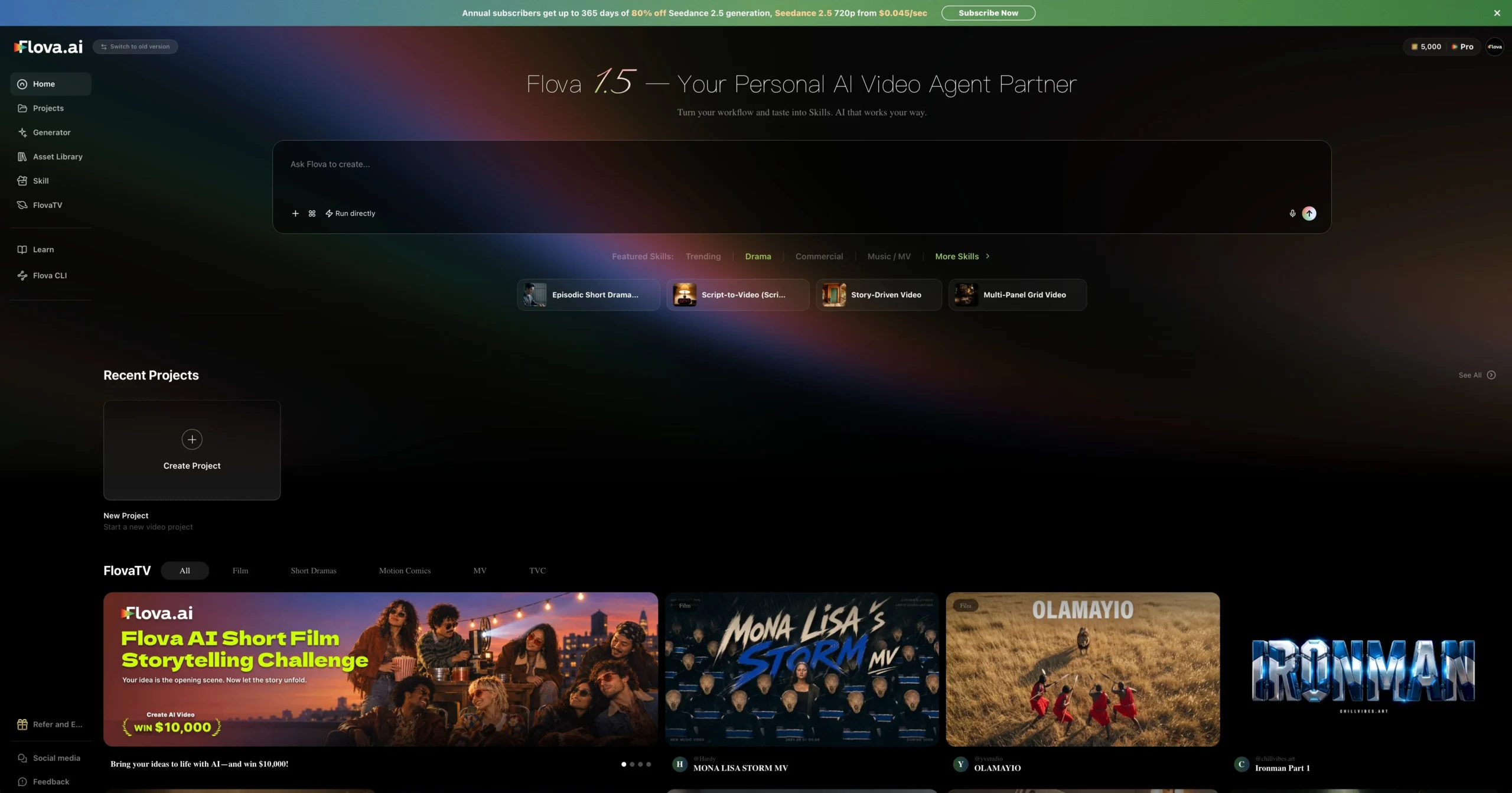
Flova includes project management tools to keep scripts, characters, shots, images, videos, and audio organized.
Users can switch between three different workspace views:
- List View: Organizes project files and shots, making it easier to manage sequences and find assets.
- Grid View: Displays image and video thumbnails, allowing users to compare different versions of a shot.
- Canvas View: Provides a visual workspace for arranging product images, mood boards, references, and generated content side by side.
The platform also supports multiple timelines within a single project. This is particularly useful for creators producing different versions of the same video, such as landscape and vertical ads, promotional teasers, or individual episodes of a drama series.
Flova Agent can assemble an initial timeline based on the storyboard and available assets. Users can subsequently adjust clip order, duration, playback speed, and volume.
Once the edit is complete, videos can be exported or transferred to another editing application for more advanced post-production.
What Can You Create With Flova?
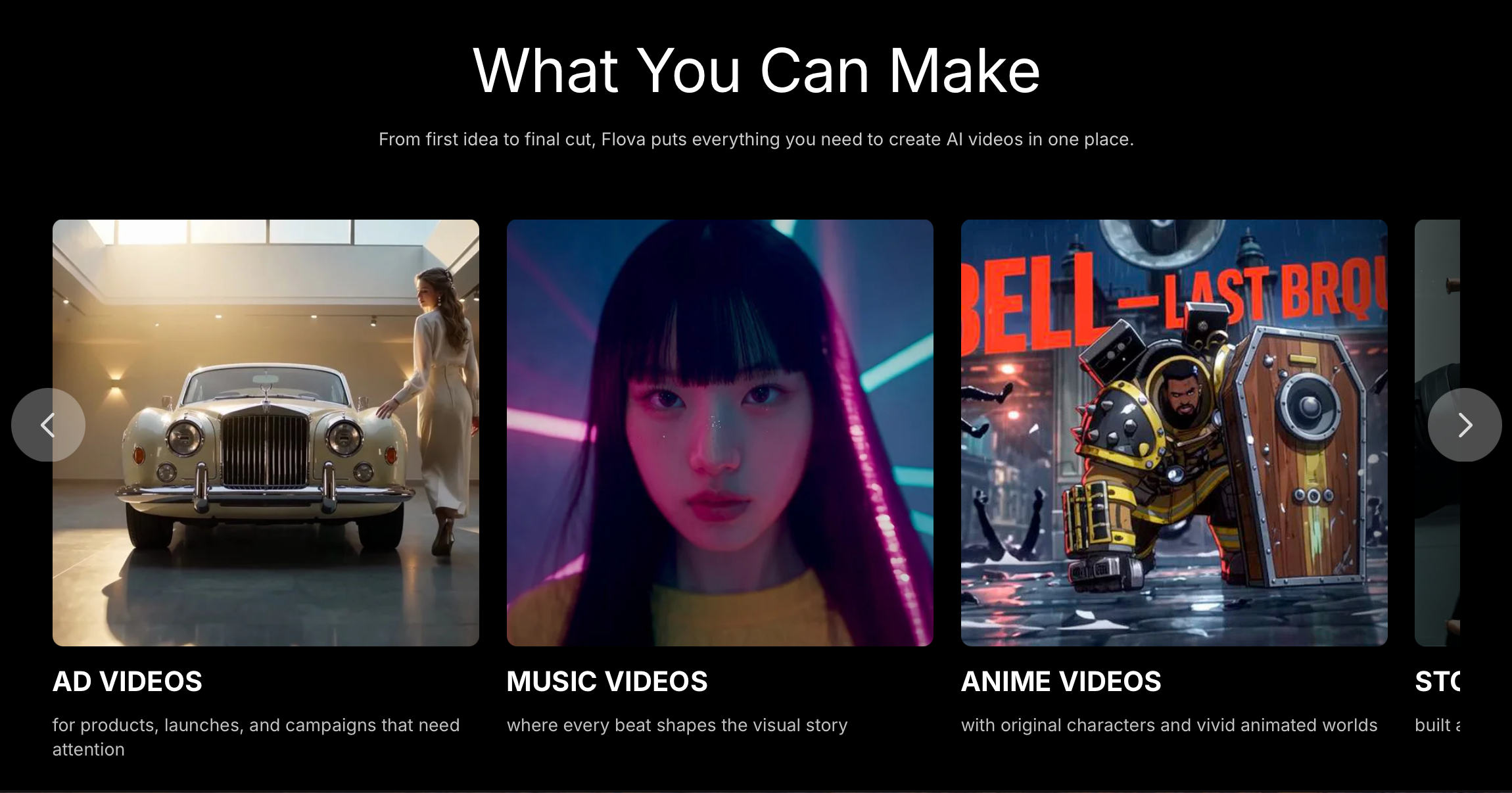
Flova is designed for several types of video projects, including:
- Product Ads: Create promotional videos, social media advertisements, and vertical product campaigns using product images and brand assets.
- Music Videos: Generate visual stories and shots around an uploaded song, taking its lyrics, rhythm, and style into account.
- Anime-Style Videos: Produce AI-generated 2D or 3D animated videos, character animations, music videos, and action trailers.
- Vertical Drama Series: Plan characters, relationships, story arcs, and shot sequences across multiple episodes.
- Narrative Shorts and Trailers: Develop video projects from a story idea, complete script, or existing shot list.
Overall, Flova brings AI-assisted planning, media generation, asset management, and video editing into a single creative environment. Its combination of reusable Skills, project-based organization, and AI-assisted timelines could make it particularly useful for content creators, marketers, and filmmakers looking to simplify video production.
You can learn more about Flova and explore its features at Flova.ai.
You may also like to check out:
- Download: iOS 27.2 Final IPSW Links, OTA Update Released
- Jailbreak iOS 27.2: We We Know So Far
- How To Fix Bad iOS 27 Battery Life Drain On Your iPhone
You can follow us on X, or Instagram, subscribe to our YouTube channel and even like our Facebook page to keep yourself updated on all the latest from Microsoft, Google, Apple, and the Web.