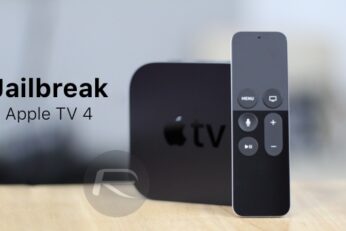
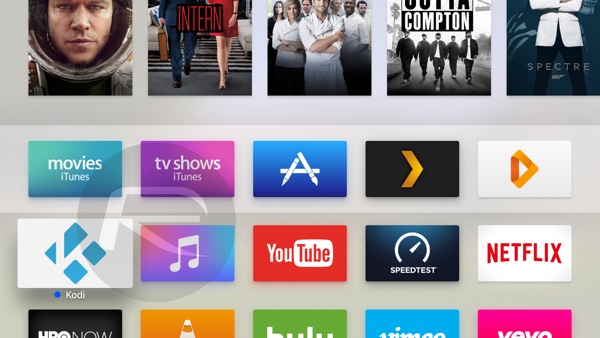
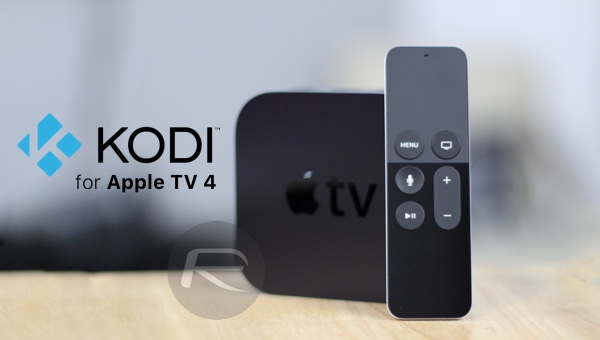
As promised, Pangu team has just released jailbreak for Apple TV 4 running tvOS 9.0-9.0.1. This is the first ever public jailbreak released for Apple TV 4 since the debut of the set-top box late last year.
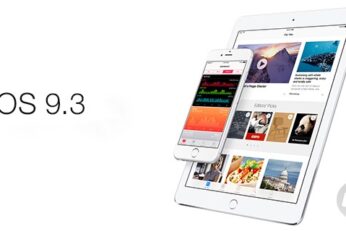
iOS 9.3 jailbreak, what iPhone, iPad and iPod touch users need to know with Apple having now released a brand new version of iOS firmware which patches a ton of security holes.
At the Town Hall conference center inside Apple’s campus in Cupertino, CEO Tim Cook has taken to stage to kick off Apple's Spring 2016 media event titled 'Let us loop you in'.
Great news for Apple TV 4 users out there! After releasing a public jailbreak for iOS 9.1 devices earlier today, Pangu Team has now confirmed that they will release a jailbreak solution for Apple's tvOS-powered fourth-generation set-top box.
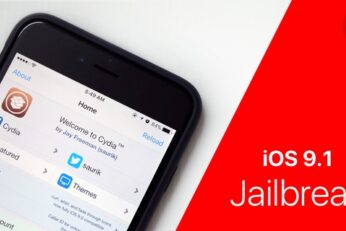
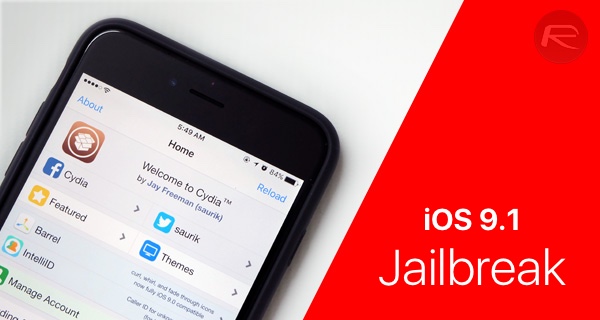
iOS 9.1 jailbreak is out! You can now download Pangu for Windows and Mac to jailbreak iOS 9.1 on compatible iPhone, iPad and iPod touch devices. Here are the details.
iOS 9.3 beta 6 is now available to download for compatible iPhone, iPad and iPod touch devices. Apple has released this sixth beta seed of iOS 9.3 only about 6 days after releasing the fifth beta.