
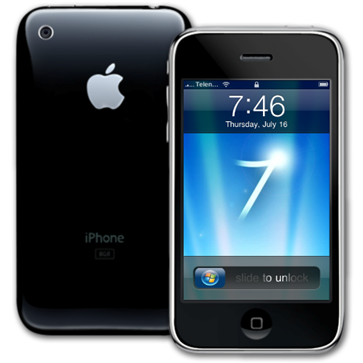
If you are a fan of Windows 7 and would like to have its look and feel on your iPhone then you might want to try this Windows 7 theme which works on jailbroken iPhone. If you don’t know how to jailbreak your iPhone then you should first read the following step by step guides depending on which device you want to jailbreak:
Installation Instructions:
You will need to install Winterboard from Cydia to get this theme working. Start Cydia, search for “Winterboard” and then install it:
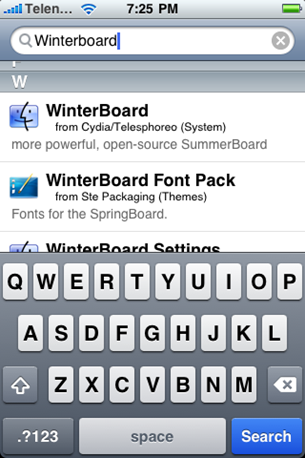
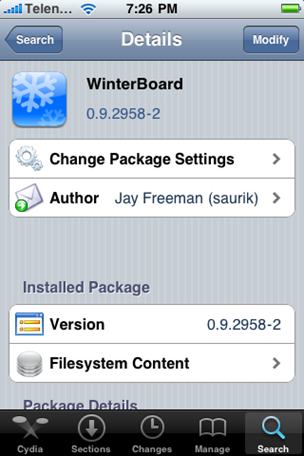
After installing Winterboard, go back to Cydia and search for “Windows 7”:
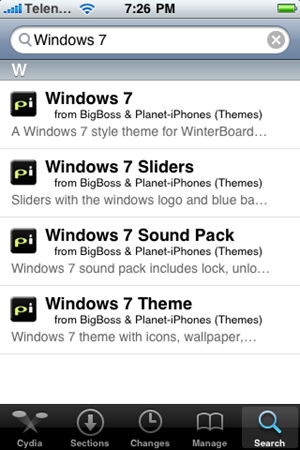
and then install the following:
Once you have installed the installation packages listed above, Close Cydia and Start Winterboard. Select the following options:
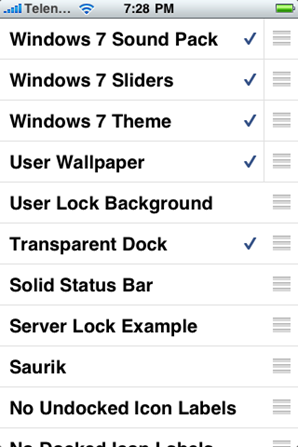
Now press the “Home” button on your iPhone. Winterboard will take few seconds before it changes the theme of iPhone to the one shown below:
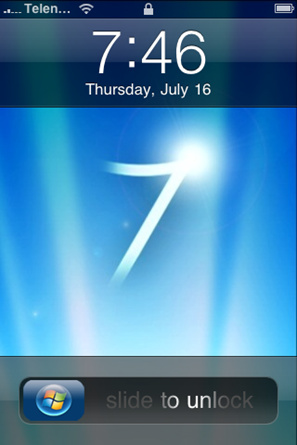
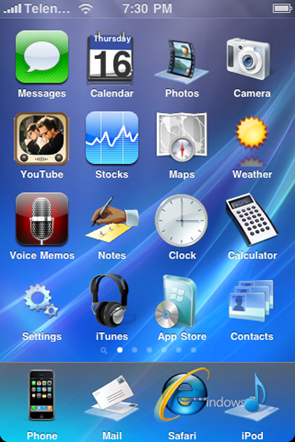
Earlier, we posted about a Windows 7 theme for Windows Mobile phones which was created by Alkhan of DaviantArt.
