• February 11, 2026
  • Apple
    Apple

    Apple Will Allow Third-Party AI Chatbots To Work In CarPlay

    iPhone 18 Pro Max Rumored To Deliver Next-Level Battery Life

    iOS 26 watchOS tvOS macOS visionOS iPadOS

    Apple Releases iOS 26.3 RC Alongside RC Of tvOS 26.3, watchOS 26.3, visionOS 26.3 And More

  • Google
    Google

    It’s Official: Google Gemini Will Power Future Apple Intelligence And Siri Upgrades

    Google’s First AI Smart Glasses Will Debut In 2026

    Google’s Latest Pixel Ad Mocks Apple’s iPhone With A Wicked Twist

  • Microsoft
    Microsoft

    Valentine’s Day Microsoft Sale: Embrace New Tech With Windows 11 Pro For Only $14 – Great Offers On Office 2024 And More

    Microsoft’s Bitlocker Encryption Keys Given To The FBI Set A Worrying Precedent

    iOS 26.2 Features A New AirDrop Privacy Feature

  • Tesla
    Tesla

    Tesla Is Killing The Model S And Model X To Focus On Making Robots Instead

    Tesla To Add Apple Car Key Support Soon?

    Tesla’s 2025 Holiday Software Update Is Now Rolling Out

  • Reviews
    Reviews

    VideoProc Converter AI Helps Restore Old Videos Up To 4K [Review]

    Why Choose CZUR StarryHub For Meeting Solution?

    Stellar Repair For MS SQL – Product Review

  • Deals
    Deals

    3 Best Ways To Download Audible Audiobook To MP3

    How To Recover Deleted Notes On iPad: A Complete Guide That Actually Helps

    How To Remove Notebooklm Watermark From Slides PDF | 3 Ways

Latest
  • Latest
  • Oldest
  • Random
  • A to Z

ipados 15

iOS 15 Compatibility For iPhone, iPad, iPod touch Devices

Oliver Haslam·September 19, 2021
Here’s the iOS 15 and iPadOS 15 compatibility chart to help you determine if your iPhone, iPad, or iPod touch device will actually be capable of installing and running iOS 15 final version.

iPadOS 15 Will Allow Apps To Use 12GB Of RAM When It’s Available

Oliver Haslam·September 18, 2021
iPadOS 15 will allow apps to use 12GB of RAM when it's available. Here's everything you need to know about this.

iOS 15 Beta 6 Profile File Download Without Developer Account, Here’s How

Oliver Haslam·August 18, 2021

iOS 15 Beta 5 Profile File Download Without Developer Account, Here’s How

Paul Morris·August 10, 2021
Here’s how to download and install the latest iOS 15 beta 5 OTA Configuration Profile file update without a registered UDID or developer account.

iOS 15 And watchOS 8 Will Let You Install Updates With less Than 500MB On-Device Storage Available

Oliver Haslam·July 15, 2021
The recently released third betas of iOS 15 and watchOS 8 include new changes that will make it easier for people to install updates even when they don't have much space left on their iPhones and Apple Watches.

How To Install iOS 15 Public Beta 2 And iPadOS 15 Public Beta 2 The Right Way

Oliver Haslam·July 1, 2021

Download: iOS 15 Beta 2 19A5281j OTA Profile, IPSW Released

Taimur Asad·June 30, 2021
You can now download iOS 15 Beta 2 build 19A5281j OTA profile file, IPSW links after Apple released it today for iPhone and iPad. Here are the details.

iOS 15 Beta 3 / Public Beta Download Expected Release Date

Paul Morris·June 27, 2021
Here's iOS 15 beta 3 and public beta download expected release date for iPhone and iPad users. Here are the details.

iOS 15 Hotspot Connections Feature WPA3 Security

Paul Morris·June 27, 2021

Apple’s iOS 15 And iPadOS 15 Will Let Apps Ask For More Than The Standard Amount Of RAM

Oliver Haslam·June 26, 2021
When Apple releases iOS 15 and iPadOS 15 to the world later this fall it will give developers the opportunity to have their apps request more RAM than would previously be available.

iPadOS 15 Files App Now Includes A File Transfer Progress Bar And Basic NTFS Support

Oliver Haslam·June 15, 2021
iPadOS 15 Files app now includes a file transfer progress bar, and basic NTFS support as well. Here are all the details on this.

iPadOS 15 Can Finally Run iPhone Apps In Landscape Mode

Oliver Haslam·June 9, 2021

iOS 15 Shows ‘Hello’ Message First Time You Launch It On iPhone Or iPad

Oliver Haslam·June 8, 2021
iOS 15 shows the 'Hello' message first time you launch it on your iPhone or iPad. Check out how it looks right here.

iOS 15 And iPadOS 15 Add New First-Party App Widgets To The Home Screen

Oliver Haslam·June 8, 2021
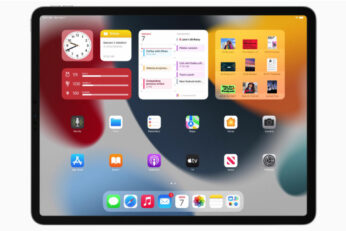
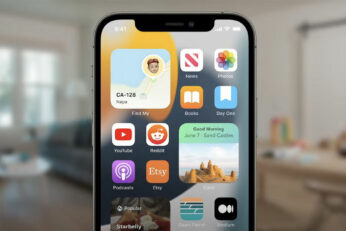
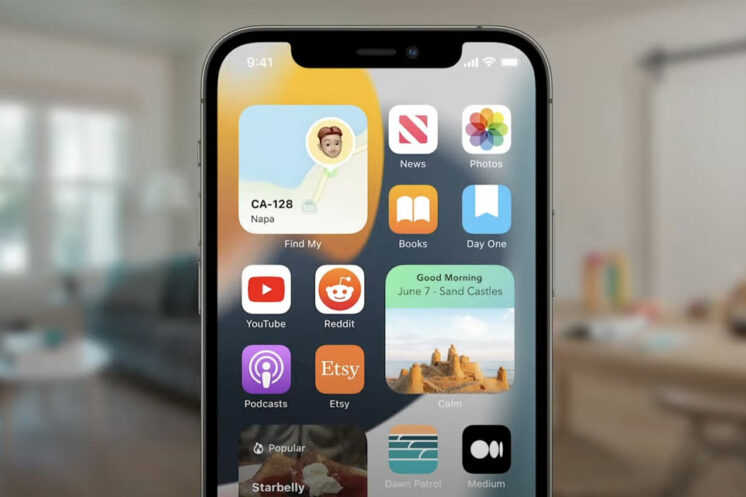
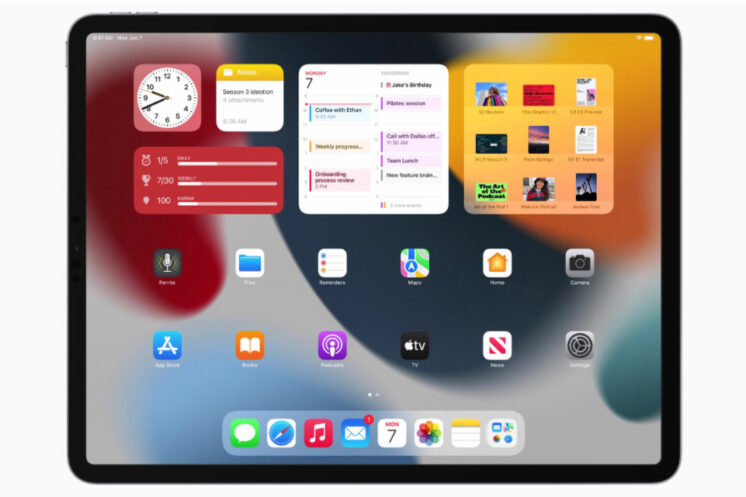
iOS 15 and iPadOS 15 add new first-party app widgets to the Home screen. Here is everything you need to know about this.

How To Download iOS 15 Beta 1 Along With iPadOS 15 Beta 1

Oliver Haslam·June 8, 2021
Load More

TRENDING NOW

Apple Will Allow Third-Party AI Chatbots To Work In CarPlay

iPhone 18 Pro Max Rumored To Deliver Next-Level Battery Life

iOS 26 watchOS tvOS macOS visionOS iPadOS

Apple Releases iOS 26.3 RC Alongside RC Of tvOS 26.3, watchOS 26.3, visionOS 26.3 And More

Apple’s iPhone 17 Pro Max Crowned The Battery Life King Among 35 Devices Tested

Apple Announces Xcode 26.3 With Support For Agentic Coding

New Foldable iPhone Details Leak As Late-2026 Launch Edges Closer

iOS 26.2.1 Battery Life Drain Tested, Here’s How Your iPhone Will Fare

Apple’s iPhone Upgrade Program Ends For UK Customers

Apple CEO Tim Cook Promises ‘Innovations That Have Never Been Seen Before’

Apple Brings Pixelmator Pro To The iPad

FOR YOU

Apple Releases iOS 26.2 Beta 3

iOS 26

Download: iOS 26 Beta 1 IPSW Links For iPhone Released

Apple’s iOS 26 SDK Just Hinted At A Future Foldable iPhone

iOS 26

Apple’s Fifth Public Beta Releases For iOS 26 And More Are Now Available

iOS 26

Tim Cook Says iOS 26 Is The Most Popular Apple Beta Yet

iOS 26 battery

New In iOS 26: iPhone Will Now Tell You How Long It’ll Take To Charge

How To Fix iOS 26 iMessage Activation Bug On Phone Number

iOS 26

iOS 26 And iPadOS 26 Public Beta 4 Now Available

  • About
  • Advertise
  • Privacy Policy
  • Tip Us
Copyright © 2008-2026 Redmond Pie. All Rights Reserved.
  • About
  • Advertise
  • Privacy Policy
  • Apple
  • Google
  • Microsoft
  • Tesla
  • Reviews
  • Deals
Start typing to see results or hit ESC to close
Apple iPhone deals iPad Android
See all results

SUBSCRIBE

Join 100k+ other tech lovers and get the latest news in your inbox
[mc4wp_form id="389"]