That's it, folks. Apple has flipped the switch on signing window of iOS 8.4, which means you can no longer downgrade iOS 8.4.1 to iOS 8.4 or any other firmware version.
The following tutorial illustrates how to downgrade from iOS 8.4.1 to iOS 8.4 on any iPhone, iPad or iPod touch. It is important to note that this method will work only till Apple is still signing iOS 8.4 firmware. Once the signing window is closed, you won't be able to downgrade from iOS 8.4.1.
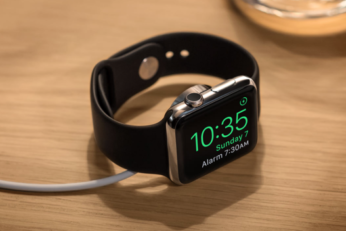
Is it possible to downgrade watchOS 2 beta to watchOS 1.0.1 on Apple Watch? Here we discuss how Apple Watch OS updates work and why you cannot downgrade to an older version of the watchOS just yet.
The following tutorial will help you downgrade iOS 9 beta to iOS 8.3 on any iPhone, iPad or iPod touch. It is important to note that once you downgrade back to iOS 8.3 from iOS 9, you won't be able to restore any full device iOS 9 backup you made on iCloud or using iTunes, this is because backups made on iOS 9 are NOT backwards compatible to work on iOS 8. You will either have the choice to restore to a old backup made on iOS 8.x, or start from scratch on iOS 8.3. You've been warned.
Here's how you can downgrade iOS 8.1.1 to iOS 8.1 on iPhone, iPad, iPod touch and then get your untethered jailbreak back using Pangu8 tool, available on both Windows and Mac.
We've been getting a lot of questions on whether it is possible to downgrade iOS 7.1 / 7.1.1 to 7.0.6 or earlier, and rather than try and respond to everybody, we thought it is better instead to consolidate everything we know about the state of downgrading into one, clarifying article. So if you're interested in reverting to an earlier firmware, please check the information below.
Follow our step by step tutorial to downgrade iOS 7, 7.0.1, 7.0.2 to iOS 6.1.3, 6.1.2 or below on iPhone 4 using iFaith. This guide is not compatible with iOS 6.1.4.