
The demand for high-quality screen recordings has skyrocketed as creators, developers, and educators strive to produce engaging tutorials, demos, and walkthroughs. Whether you’re showcasing a new SaaS feature or crafting a YouTube tutorial, screen recording tools are essential. However, many tools require extensive manual editing, which can be time-consuming and daunting.
While Screen Studio is a powerful option, its Mac-only compatibility and higher price point limit its accessibility. Enter FocuSee, a versatile, cross-platform alternative that promises to streamline the process with intelligent automation and professional-grade features. In this review, we’ll explore why FocuSee might be the best Screen Studio alternative for your needs in 2025.
What is FocuSee?
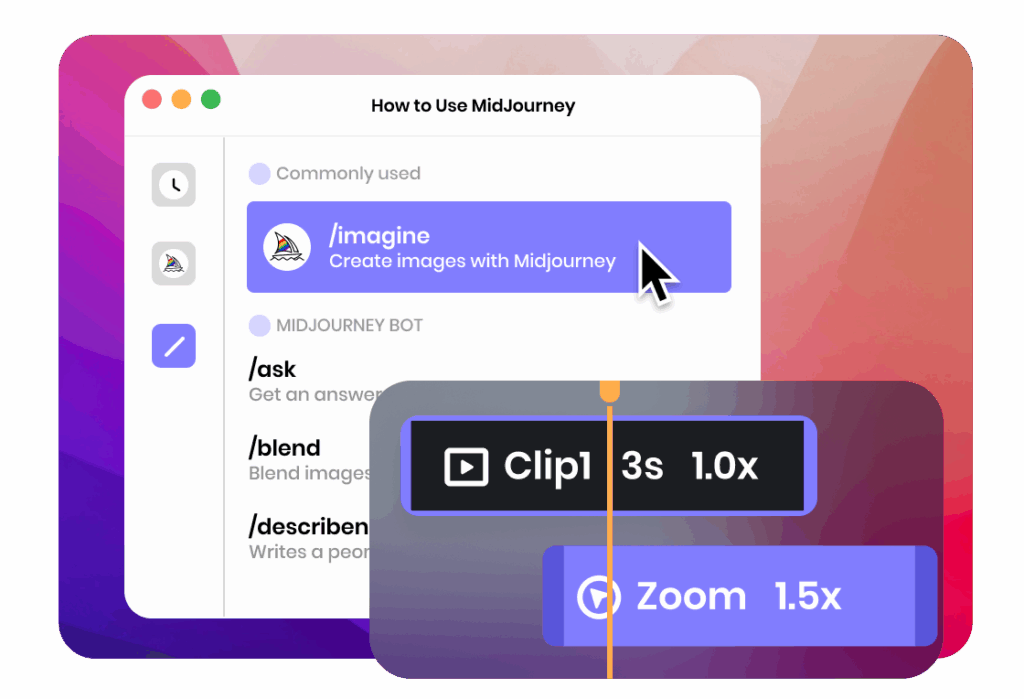
FocuSee is a powerful screen recording tool designed to simplify the creation of polished, professional videos without the need for extensive editing. Available for both macOS and Windows, it stands out for its cross-platform support, making it accessible to a wider audience than Screen Studio. FocuSee’s key promise is its ability to automate tedious editing tasks, such as cursor tracking and zoom effects, allowing users to create stunning videos in minutes. With features like automatic captions, customizable visuals, and a built-in teleprompter, FocuSee is tailored for efficiency and quality. Explore FocuSee now.
Who Is FocuSee Best For?
FocuSee is ideal for a range of users who need quick, professional-quality screen recordings:
- SaaS/Product Teams: Perfect for creating quick UI demos or feature walkthroughs to showcase software functionality.
- Course Creators and Tutorial Makers: Simplifies the process of producing engaging, clear tutorials for online courses or educational platforms.
- Indie Developers and Marketers: Offers an affordable solution for creating promotional videos, how-to guides, and product demos.
- Anyone Needing Quick Outputs: Ideal for users creating tutorial videos, UI walkthroughs, or promotional content with minimal effort.
Whether you’re recording a software demo or a YouTube tutorial, FocuSee’s automation and user-friendly interface make it a go-to tool.
Main Features of FocuSee
FocuSee combines smart recording, intelligent editing, and polished visual effects to deliver a seamless screen recording experience. Below are its standout features:
Smart Recording
FocuSee offers robust recording capabilities to capture exactly what you need:
- Simultaneous Mic & System Audio Recording: Record microphone narration and system audio on separate tracks for flexible editing.
- Keyboard Shortcut Display: Automatically captures and displays keyboard shortcuts during recording, perfect for tutorial clarity.
Intelligent Editing
FocuSee’s automation is a game-changer for reducing editing time:

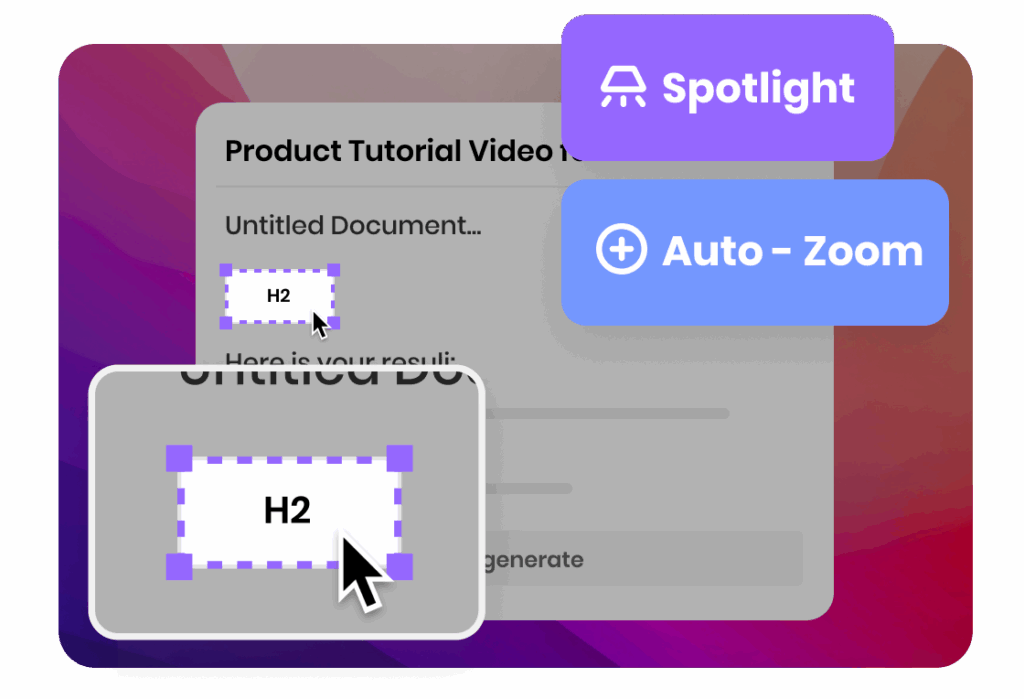
- Automatic Cursor Tracking and Zoom Effects: FocuSee tracks your cursor and applies smooth, dynamic zoom effects without manual input, highlighting key actions.
- Auto-Generated Captions: The tool generates captions automatically, which you can edit for 100% accuracy, making videos accessible and professional.
- Smart Automation: Minimizes manual editing by streamlining the process, allowing you to focus on content creation.
Polished Visual Effects & Professional Look
FocuSee ensures your videos look professional with minimal effort:
- Customizable Visuals: Adjust backgrounds, shadows, border radius, and more to match your brand or style.
- Cursor Styles and Click Effects: Choose from various cursor styles, click effects, and filters to enhance engagement.
- Motion Blur and Spotlight Effects: Add motion blur and spotlight effects for a dynamic, immersive viewing experience.
- Dynamic Camera Layouts: You can apply one consistent camera layout across the entire video. Or, choose the dynamic option: adjust your camera’s size, position, or visibility at any point in the timeline with smooth transitions.
Time-Saving Exports
FocuSee prioritizes speed without sacrificing quality:

- Quick Exports: Export videos in MP4 or GIF formats in up to 4K resolution for crisp, high-quality outputs.
- Social Media Optimization: Choose preset aspect ratios for platforms like YouTube, TikTok, or Twitter, ensuring your videos are platform-ready.
- Online Sharing: Easily upload your final video to the cloud directly from FocuSee and receive an instant shareable link. You can share your work with one click, skip file transfers.
All-in-One Toolkit
FocuSee offers additional tools to enhance your workflow:
- Built-in Teleprompter: Display your script on-screen during recording, ensuring smooth and confident delivery for tutorials or presentations.
- Privacy Features: Easily blur faces, text, or confidential details to protect sensitive information.
FocuSee vs Screen Studio
When comparing FocuSee vs Screen Studio, several key differences highlight why FocuSee is a compelling alternative:
| Feature | FocuSee | Screen Studio |
|---|---|---|
| Platform Support | Windows and macOS | macOS only |
| Pricing | One-time payment ($69.99–$179.99) | $108/year or $229 one-time (1 year updates) |
| Automatic Zoom Effects | Yes, with manual adjustments | Yes, highly polished |
| Auto Captions | Yes, editable for accuracy | Limited |
| Editing Tools | Basic trimming, annotations | Advanced transitions, multi-track |
| Teleprompter | Built-in | Not available |
| Export Options | MP4, GIF, up to 4K | MP4, GIF, up to 4K |
| System Resource Usage | Lightweight | Resource-intensive |
FocuSee’s Advantages:
- Cost-Effective: Offers lifetime licenses starting at $69.99, significantly cheaper than Screen Studio’s $229 one-time purchase or $108 annual subscription.
- Cross-Platform: Supports both Windows and macOS, unlike Screen Studio’s Mac-only limitation.
- Lightweight: Uses fewer system resources, making it ideal for users with less powerful devices.
Screen Studio’s Strengths:
- Offers more advanced editing tools, such as multi-track editing and cinematic transitions.
- Provides a highly polished, opinionated design approach for Mac users.
For users needing cross-platform support and affordability without sacrificing quality, FocuSee is the clear winner. Explore FocuSee’s features.
Final Verdict
FocuSee is a standout Screen Studio alternative in 2025, offering a balance of simplicity, automation, and professional-quality output. Its cross-platform support, lifetime pricing, and intelligent features like automatic zoom effects, captions, and a built-in teleprompter make it ideal for SaaS teams, course creators, indie
You may also like to check out:
- iOS 26 Hidden Features Worth Checking Out
- Jailbreak iOS 18.5 Latest Status Update For iPhone Users
- Download: iOS 26 Beta 2 OTA Profile, IPSW Links For iPhone Released
- iOS 26 Beta 3 Download And Release Date Expectation
- Download: iOS 18.5 Final IPSW Links, OTA Update For iPhone, iPadOS 18.5 For iPad Released
You can follow us on X, or Instagram, subscribe to our YouTube channel and even like our Facebook page to keep yourself updated on all the latest from Microsoft, Google, Apple, and the Web.
