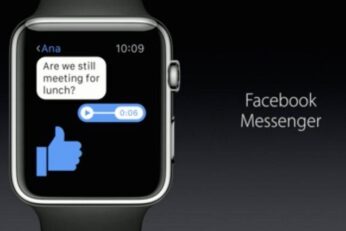
Finally. Facebook has released a native watchOS 2 compatible Facebook Messenger app for the Apple Watch. This is Facebook's first full featured app for the Apple Watch.
Apple has updated its Saudi Arabia and UAE pages to make release date of Apple Watch official in both the countries. Here are the details.
Apple has now officially launched its Apple Watch collaboration with Hermès, the French fashion company. The fancy new lineup has custom leather bands, watch faces and prices ranging from $1100 to $1500.
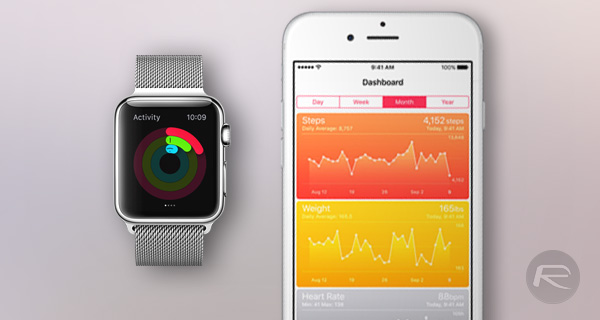
Here's how to transfer Health and Activity app, Apple Watch data to a new iPhone with restoring from a full backup with Decipher Activity Transfer.
A while ago we told you about an app called Power which was one of the first for the Apple Watch which aimed to keep people apprised of how full, or likely how empty their iPhone's battery is. It was one of our favorites at the time and Power found a home on many Apple Watches as well. Now though the app's developers are back with a big update, and it's quite the update indeed.
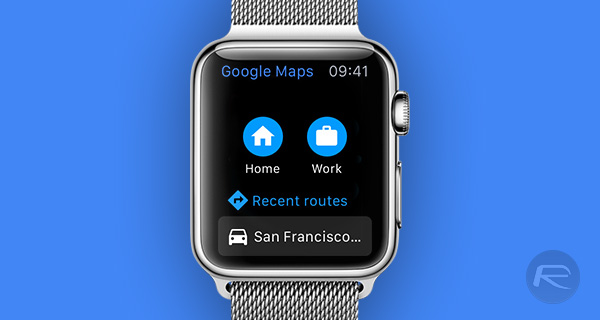
Today sees the Google Maps app receive a new update, which adds some new features and fixes old ones but, most importantly, brings Google Maps to Apple Watch.
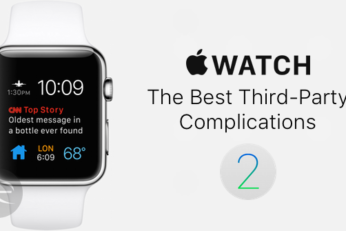
Here's a list of the top 25 best third-party Apple Watch complications that are supported to run on watchOS 2. With developers now rushing to get their Apple Watch apps updated to include a complication, we've been on the lookout for those which caught our eye and we've come up with quite a hefty list. Check it out here.
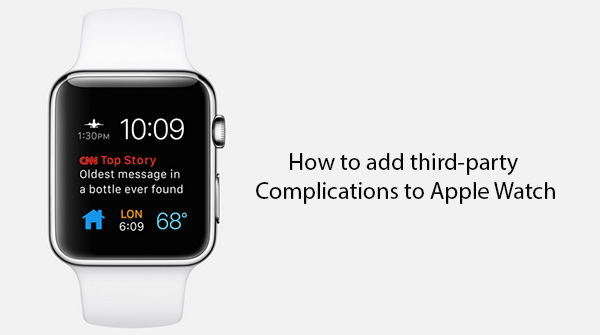
Here's how to add, set up and use third-party complications on Apple Watch running watchOS 2. In this guide we're going to take a quick step-by-step look at how to check if installed apps have complications available, how to add and remove them from the Apple Watch's Customize screen, and finally, how to actually get the complication up and running on the Apple Watch itself.
Here's the full changelog of watchOS 2 for Apple Watch, showing every feature that is new to this release, all in one place. Check it out all here.
Here's a step-by-step guide on how to download and install the watchOS 2 update OTA (Over-The-Air) on Apple Watch using your iPhone.