
Here’s how you can play YouTube, Netflix or just about any video in Apple CarPlay using iPhone running iOS 27.
Apple first introduced basic AirPlay video streaming support for CarPlay with iOS 26.4, laying the groundwork for bringing video content to compatible vehicle infotainment systems.
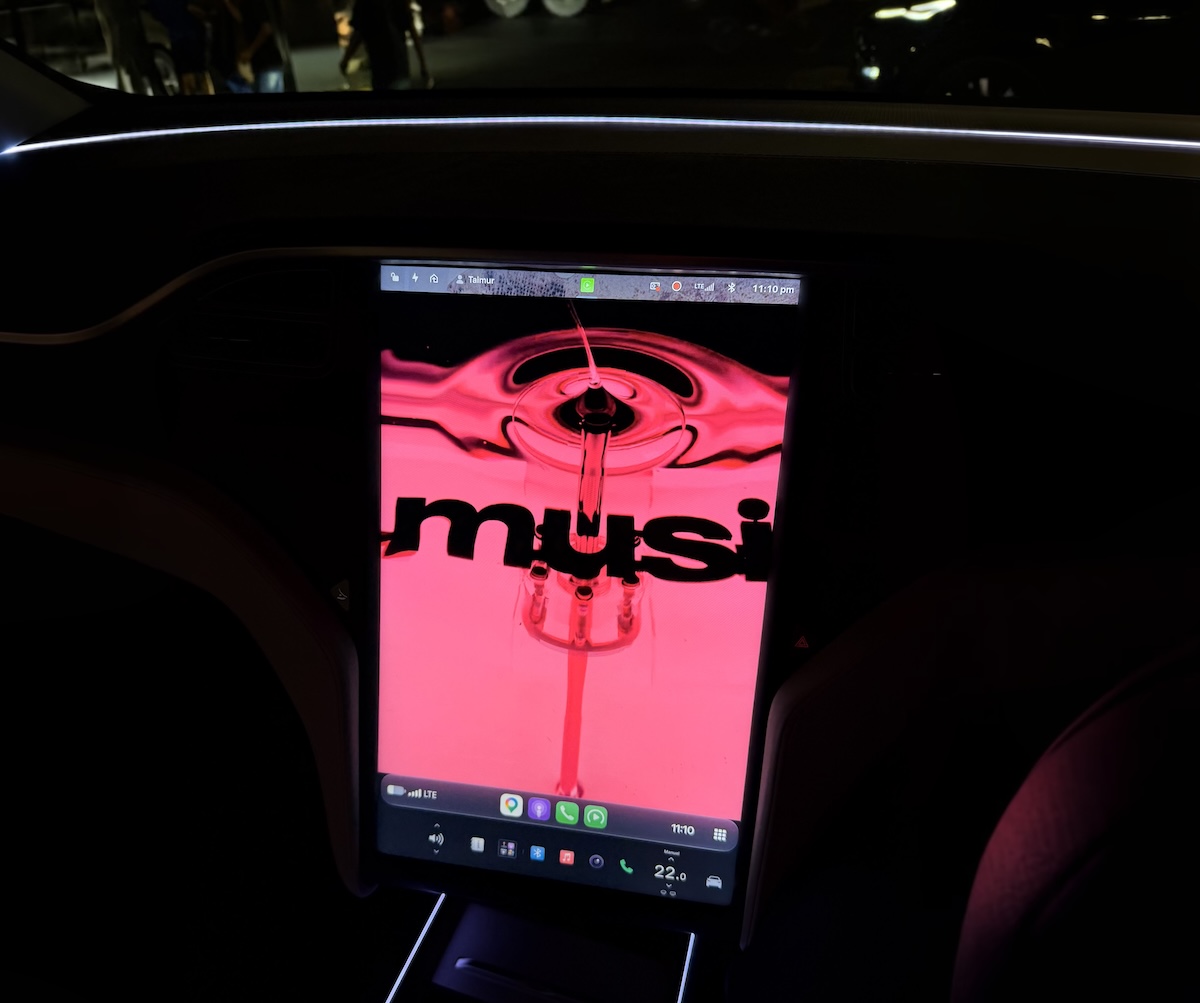
The company subsequently expanded these capabilities with iOS 27, introducing native in-car video browsing and dedicated video apps. These additions make it possible for users to access video content through a more integrated CarPlay experience. However, Apple has placed an important restriction on the feature: automakers must implement parking brake detection before video playback can be enabled. This requirement is intended to ensure that video can only be watched when the vehicle is safely parked.
As a result, even if an iPhone supports the necessary software features, video playback may not be available in a vehicle whose manufacturer has not implemented the required parking brake detection functionality.
Workaround on iOS 27.0.x
For users whose vehicles do not support Apple’s official video playback requirements, which is all vehicles at this point in time, a number of third-party apps have appeared on the App Store that offer an alternative. Apps such as CarTV, Cafari, and APTV have used a workaround to bring video playback to CarPlay without requiring the vehicle’s parking brake detection system.
These apps can provide access to video content, including YouTube and other streaming sources, depending on the app’s supported features and compatibility.
- CarTV: An app that offers video playback through CarPlay using an alternative to Apple’s standard video implementation. Also supports AirPlay and AirPlay Mirroring.
- Cafari: An app associated with browser-based video playback in CarPlay.
- APTV: An additional option users may want to investigate for CarPlay video functionality.
To try this, follow these steps:
Step 1: Check your iPhone’s iOS version. These apps with CarPlay video playback only work on iOS 27.0 and iOS 27.0.1.
Step 2: Install a compatible app such as CarTV, Cafari, or APTV from the App Store.
Step 3: Connect your iPhone to CarPlay. Use your vehicle’s supported wired or wireless CarPlay connection.
Step 4: Open the video app. Follow the app’s instructions to access supported video content through your car’s infotainment display.
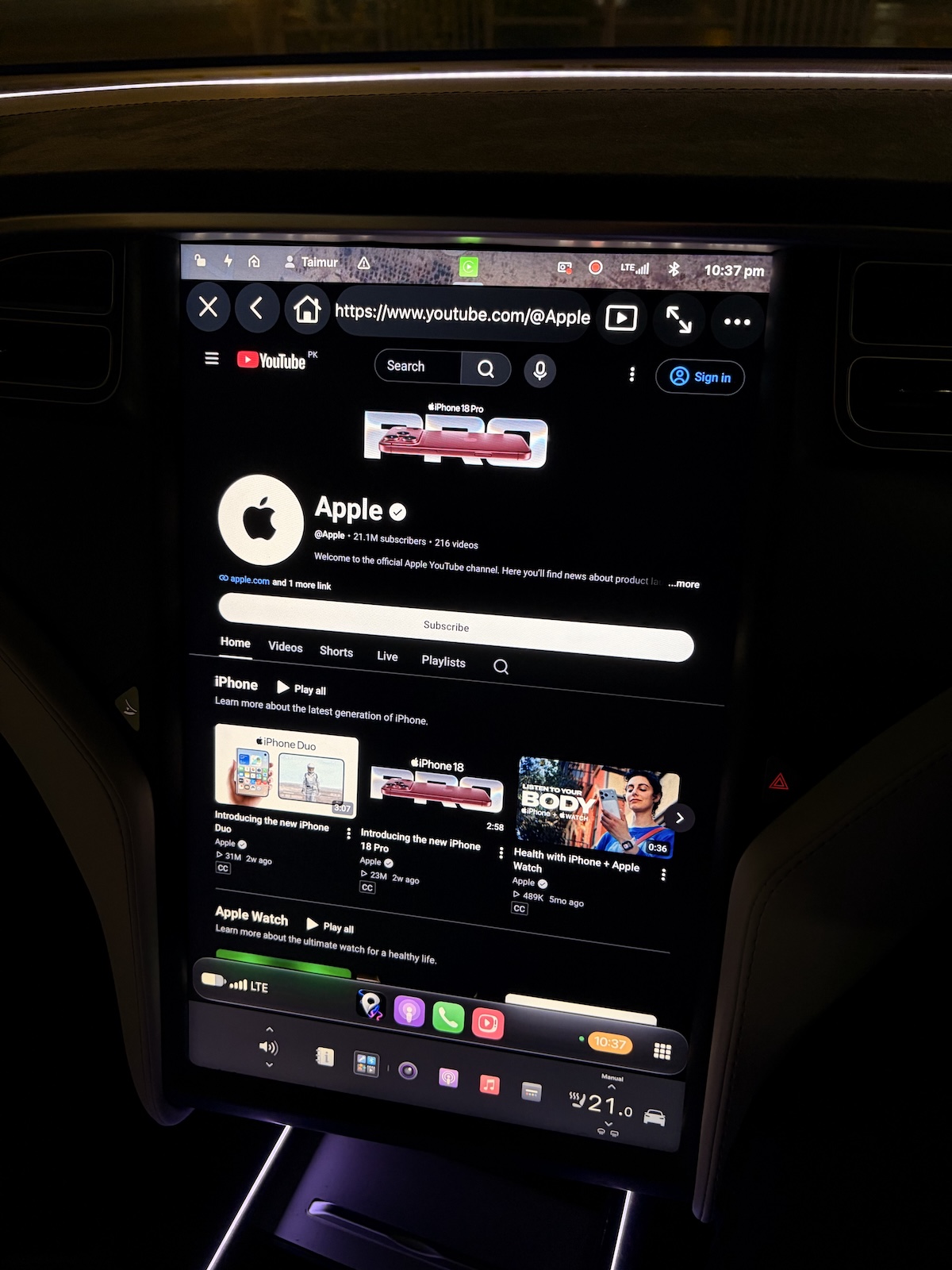
Step 5: While these work even when driving, for safety, play video only while parked. Compatibility can vary depending on the app, iPhone, vehicle, and iOS version.
Here’s video of CarTV app we tested with YouTube:
iOS 27.2 Beta Blocks the Workaround
Unfortunately, this workaround no longer appears to function on newer firmware. Apple has blocked the method used by these third-party apps in iOS 27.2 beta. As a result, users who have updated to this version may find that apps previously capable of playing videos through CarPlay no longer work as expected.
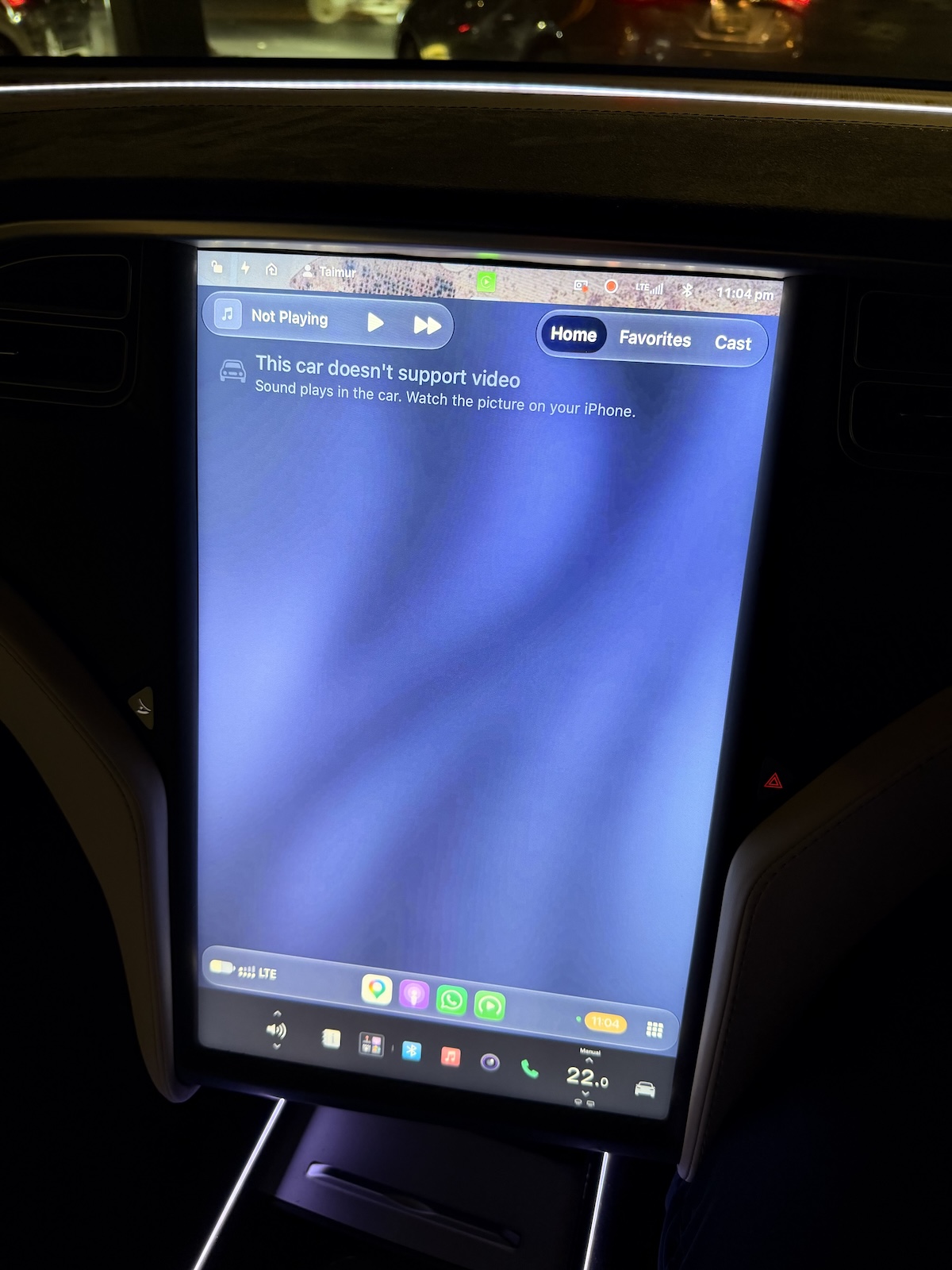
We spoke with the developer behind one of these apps, who confirmed that the workaround no longer works on iOS 27.2. The developer also told us that they are actively investigating possible ways to restore the functionality on iOS 27.2 and later versions.
For now, the reported compatibility window is limited to iOS 27.0 and iOS 27.0.1. Users on those versions may still be able to use the workaround, provided the relevant app remains available and compatible.
As always, compatibility can change as Apple releases new software updates or developers modify their apps.
Our Take
Apple’s expansion of video support in CarPlay is a welcome development for users who want to enjoy video content while their vehicles are parked. However, the company’s parking brake detection requirement means that official support depends on both the iPhone’s software and the vehicle’s capabilities. Instead of keeping existing CarPlay car owners at mercy of the automaker to add video playback support, Apple should have looked for an alternative, like detecting if the connected iPhone is in motion or not (meaning, the car is moving or stationary) to allow for video playback.
At the time of writing, not a single new or old car model supports video playback functionality in CarPlay.
Apple is expected to release final version of iOS 27.2 to public sometime next week. If you wish to keep using this functionality, stay on iOS 27.0.1.
You may also like to check out:
- Download: iOS 27.0.1 IPSW Links, OTA Update Released, Here’s What Is New
- Jailbreak iOS 27.0.1: Everything You Need To Know
- How To Fix Bad iOS 27 Battery Life Drain On Your iPhone
You can follow us on X, or Instagram, subscribe to our YouTube channel and even like our Facebook page to keep yourself updated on all the latest from Microsoft, Google, Apple, and the Web.
