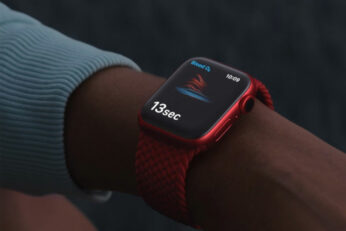
You can now download iOS 18.6.1 final IPSW links and OTA update for iPhone . The new update brings with it a very specific addition for Apple Watch owners in the United States.
If you're in the market for a new pair of wireless earbuds but want to save some money on your purchase, we have the deal for you. Order now, and you'll get a pair of Beats Solo Buds wireless earbuds for just $59.
If you're in the market for a new mouse and use a Mac, today is your lucky day. Right now, you can pick up the Apple Magic Mouse for just $72, down from the usual $79 asking price.
With phones, tablets, and just about everything else having nixed the USB-C charging brick from their boxes, you're going to have to provide your own to get the job done. Today, you can do that and save 21% by picking up the Apple 20W USB-C charger while it's available for just $14.99.
Taking the music with you is much easier when you have a Bluetooth speaker that can go just about anywhere. The Roam 2 from Sonos is one such speaker, and you can get one of your own today for just $139.
Making your Wi-Fi cover your whole home can be a difficult job, especially if you won't want to replace your existing network setup. What you really need is a Wi-Fi range extender, and you can get one right now for just $19.99.